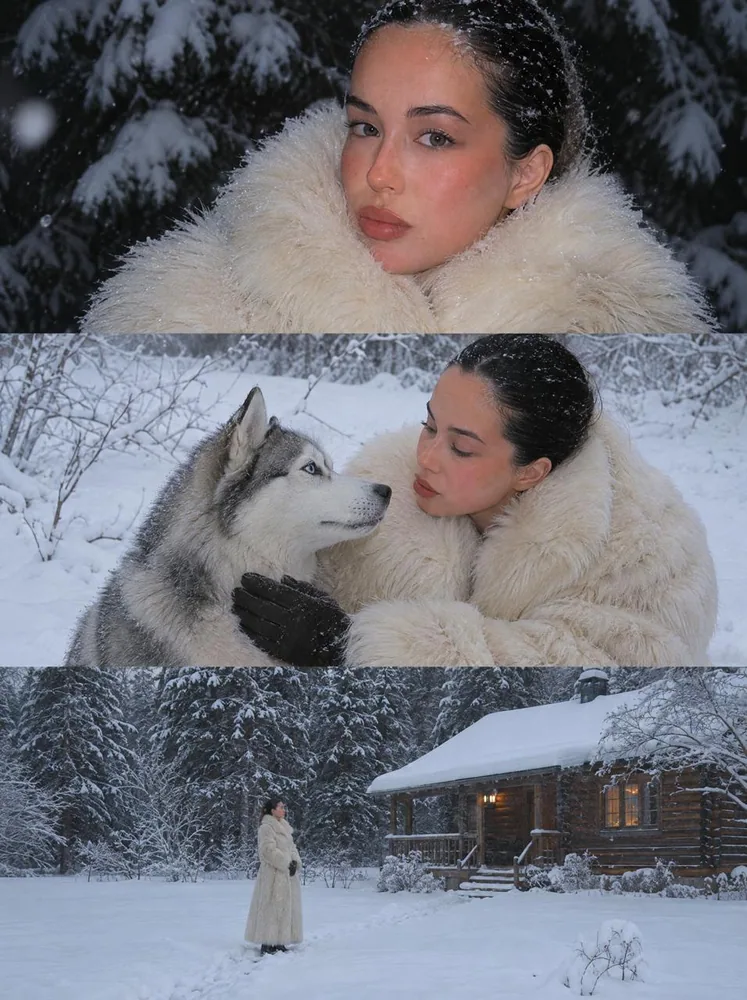
Photo18 Babe
3:4
Winter Triptych
Turn one photo into three scenes from a winter walk: a portrait among fir trees, a moment with a husky and a cabin in a snowy clearing.
FashionView scenario ↗
IDEA CATALOGUE / 59 WORKS
ILYSABABE is a platform for creating AI photos and videos from ready-made scenarios. Pick an example, add your own materials and check the cost before starting.
Choose an ideaHow pricing works ↗FROM MOOD TO IDEA
Works: 59
Turn one photo into three scenes from a winter walk: a portrait among fir trees, a moment with a husky and a cabin in a snowy clearing.
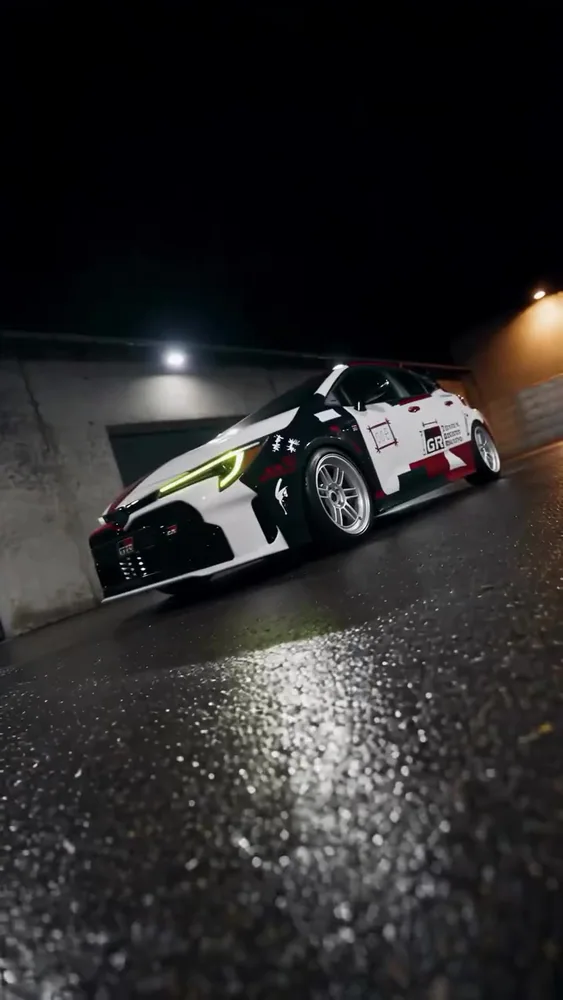
A car with contrasting livery on a wet lot at night.
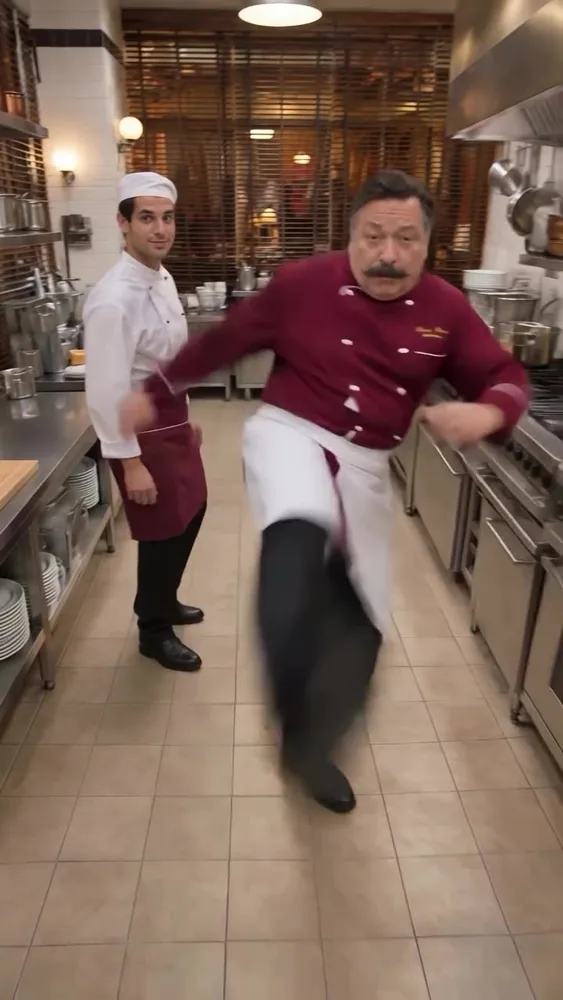
Two cooks in a short kitchen scene.
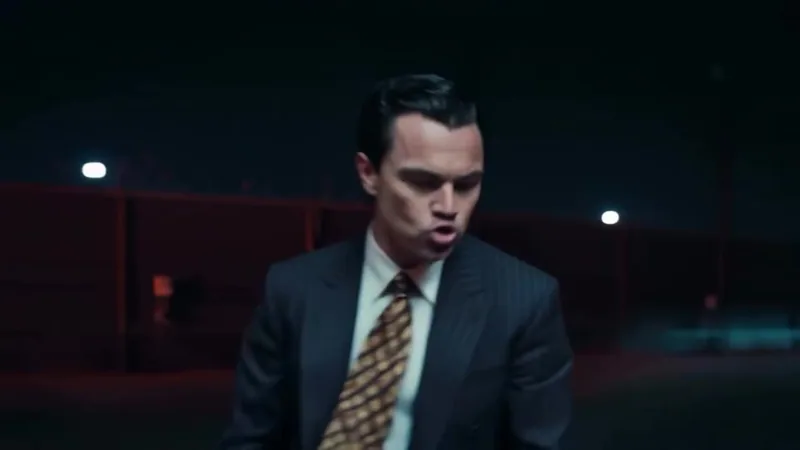
The second version of the trend that moves from a table scene to an outdoor dance.
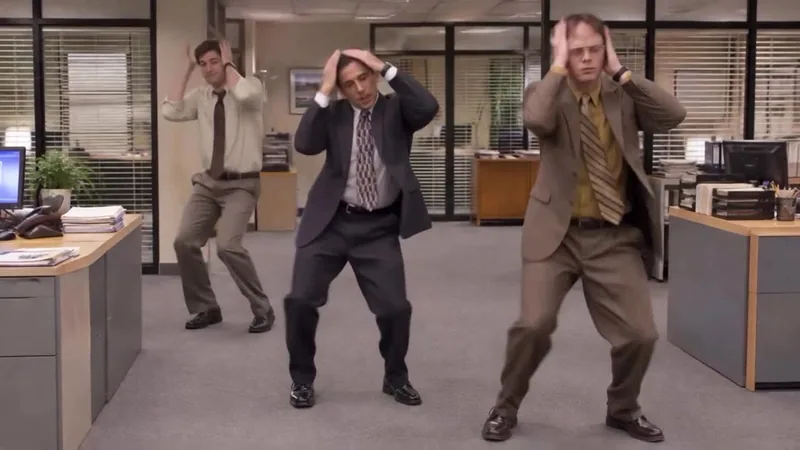
Three characters dance in an office.
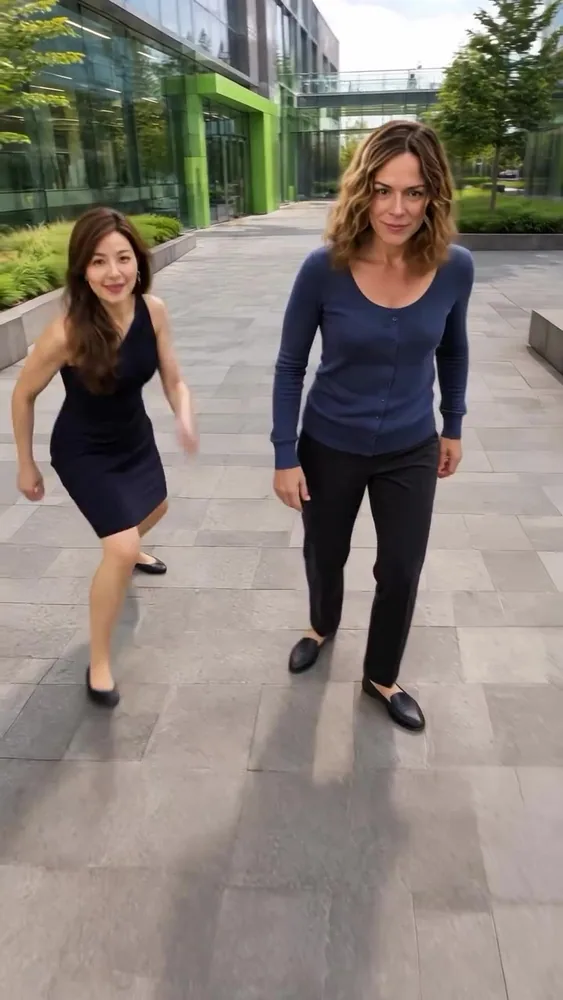
Two women in a public plaza, filmed from a first-person perspective.
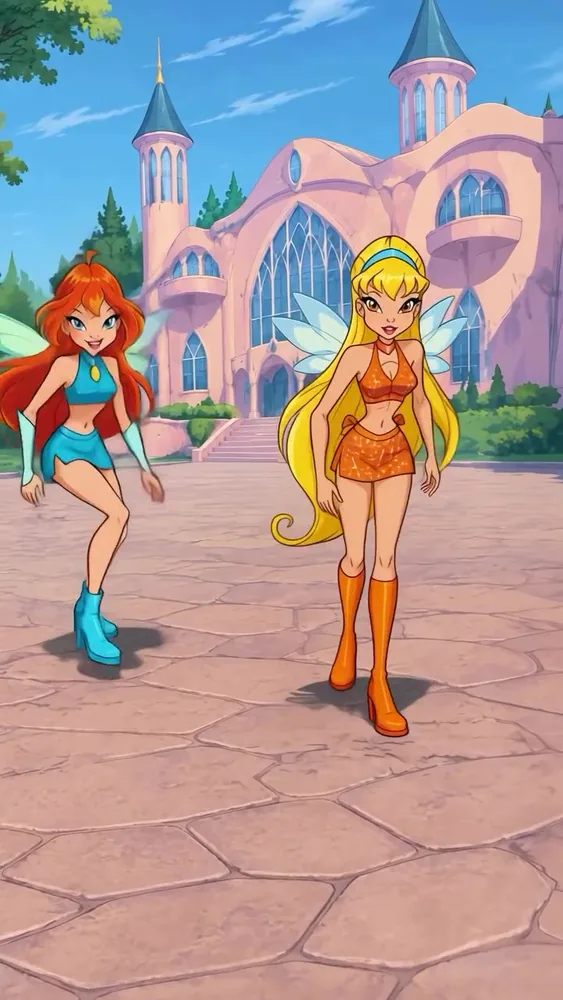
Two animated heroines in front of a fairytale building.
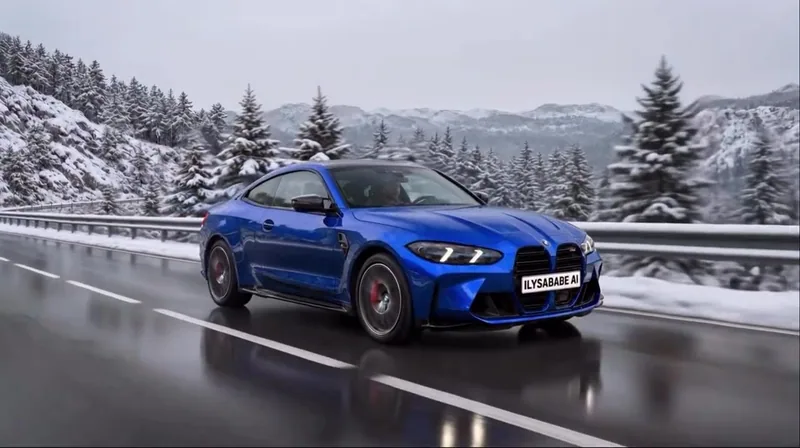
A drive along a mountain road as the landscape changes.
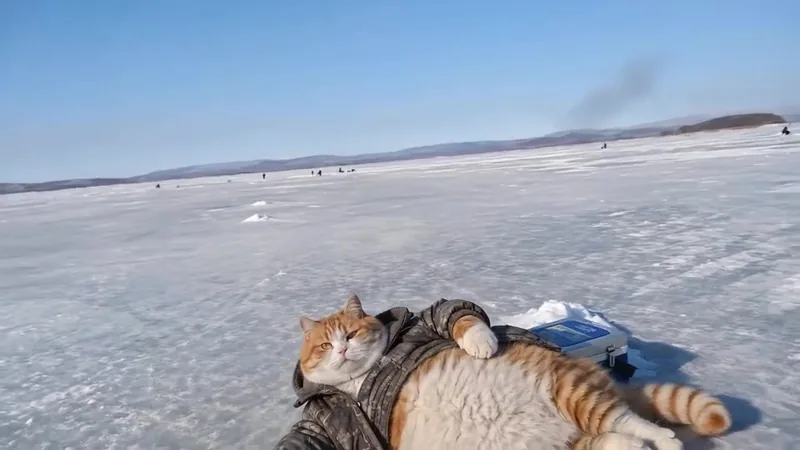
A cat on the ice against an open winter landscape.
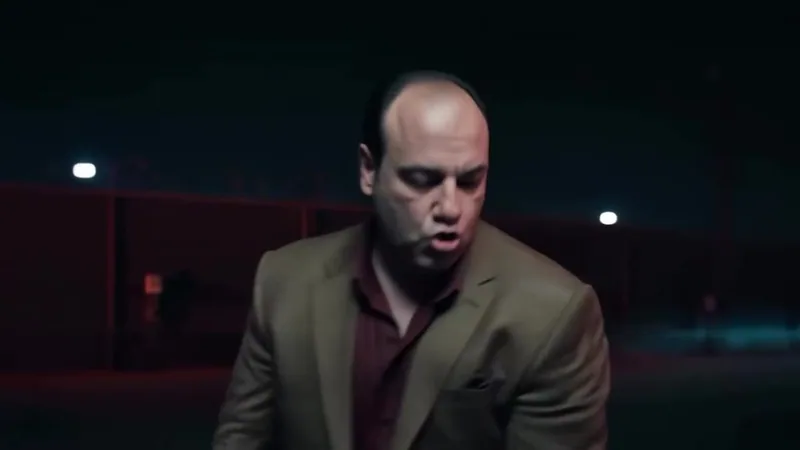
The third version of the trend that moves from a table scene to an outdoor dance.
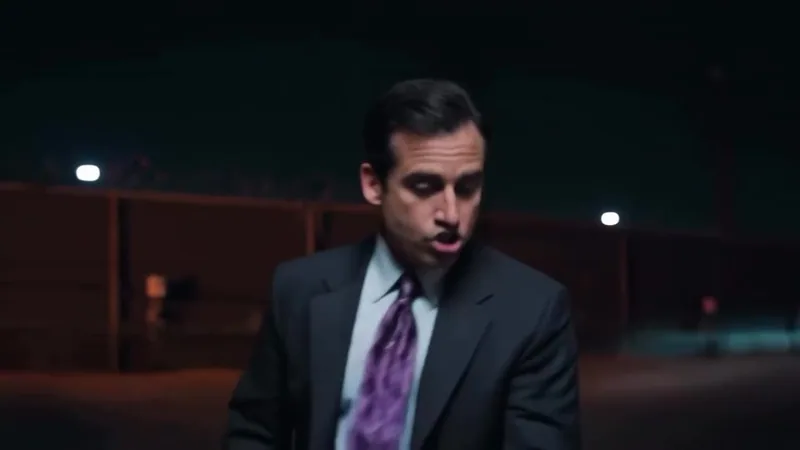
A scene at a table cuts to a dance in an outdoor space at night.
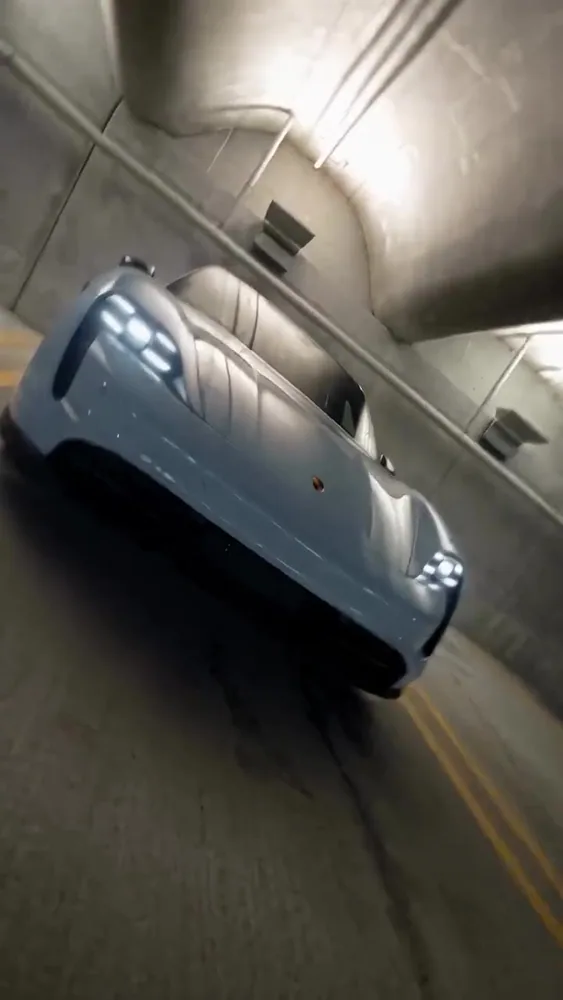
A car in a covered parking garage, seen from changing angles.
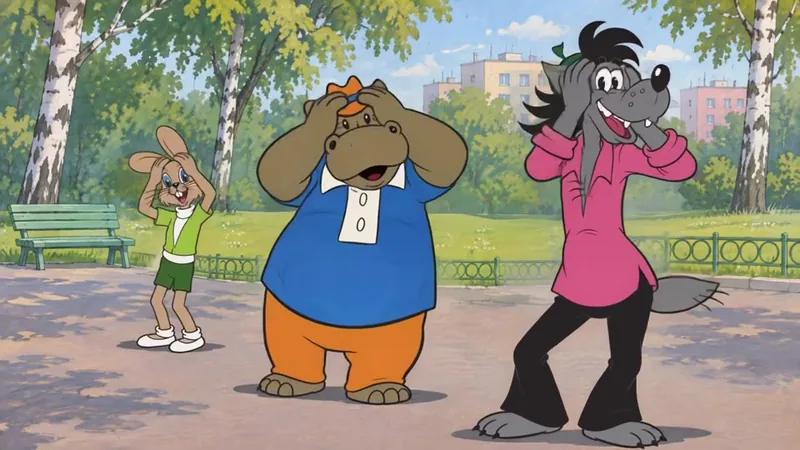
Three animated characters dance in a park.
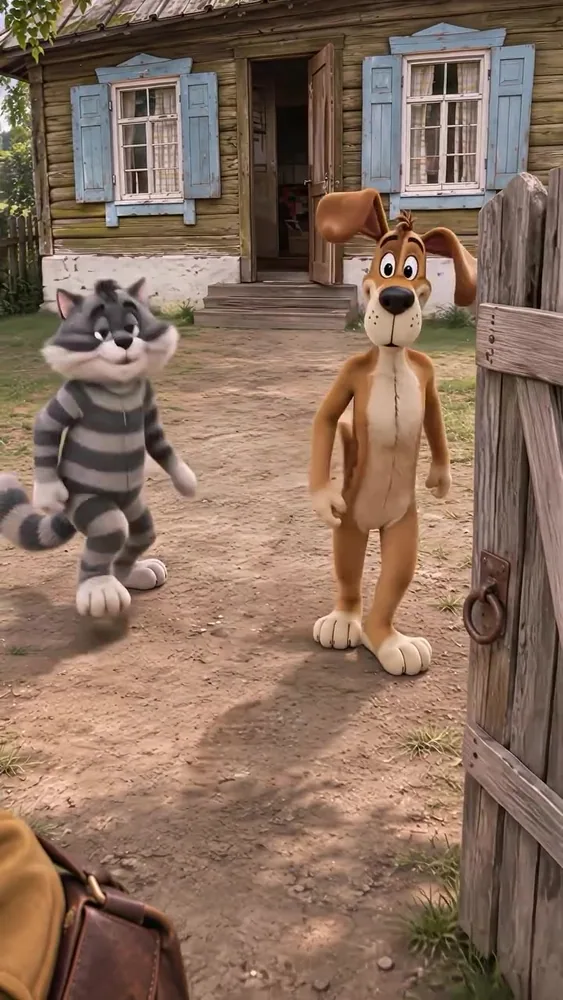
A cat and a dog in a country yard, filmed from a first-person perspective.
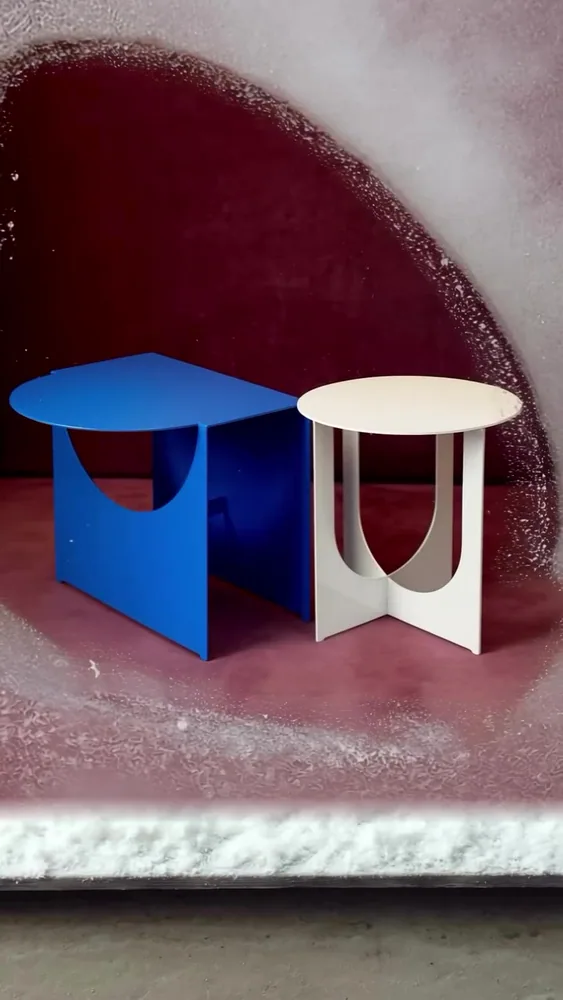
Two objects appear behind the fogged glass of a display case.
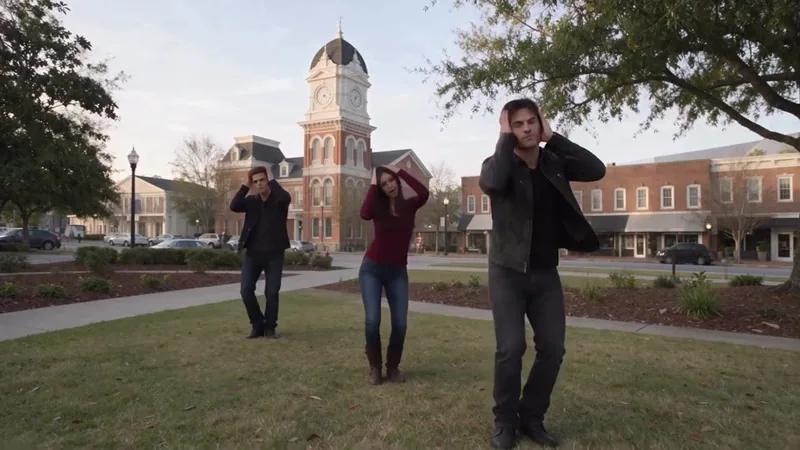
Three dancers perform in a plaza in front of a building.
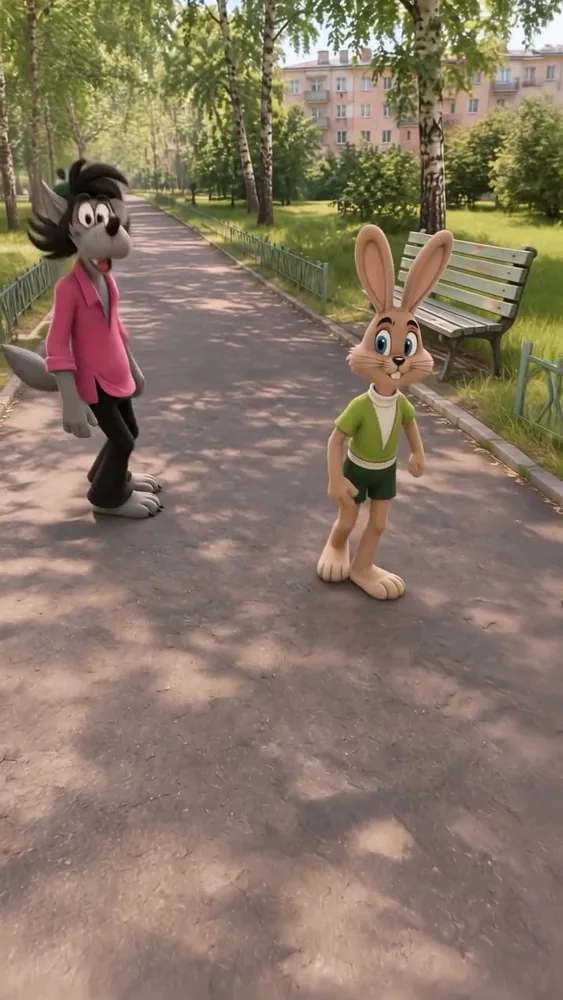
A wolf and a hare on a park path in a first-person scene.
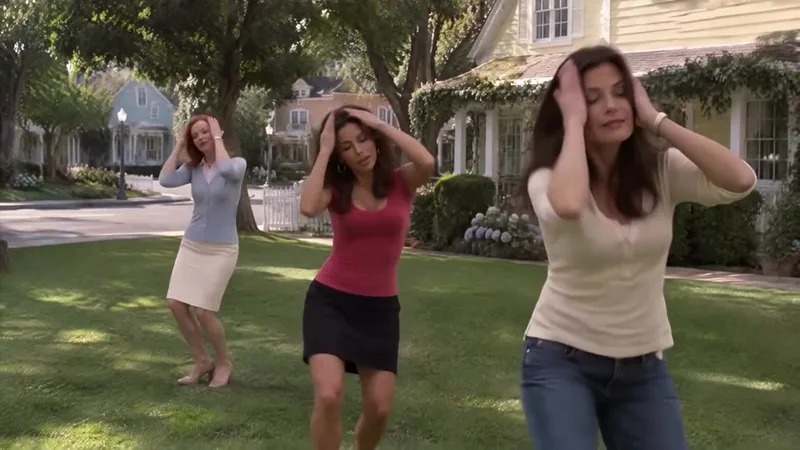
Three dancers on a lawn take turns moving into the foreground.
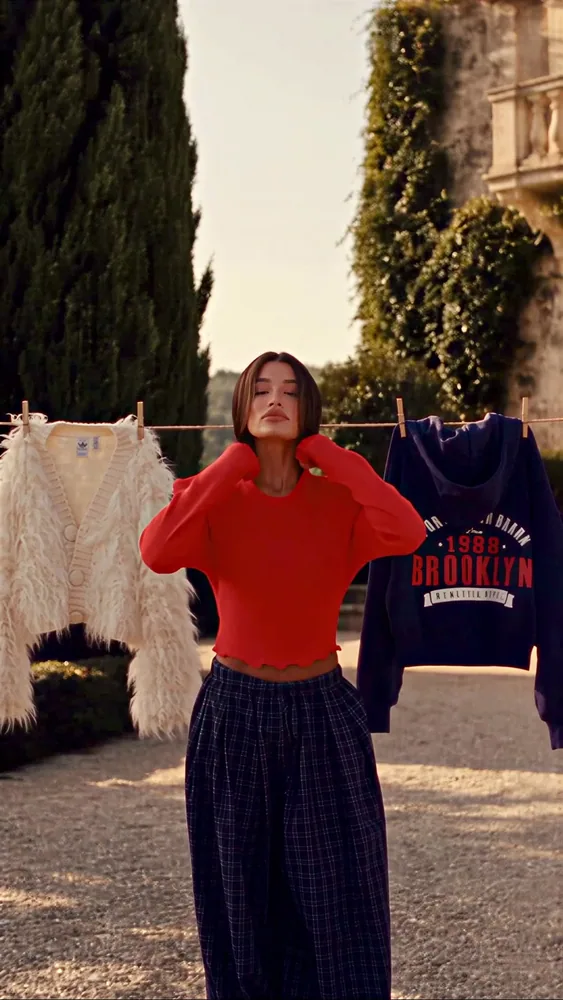
Choose your garment: the character takes it off the clothesline, puts it on, and walks away in the finished outfit.
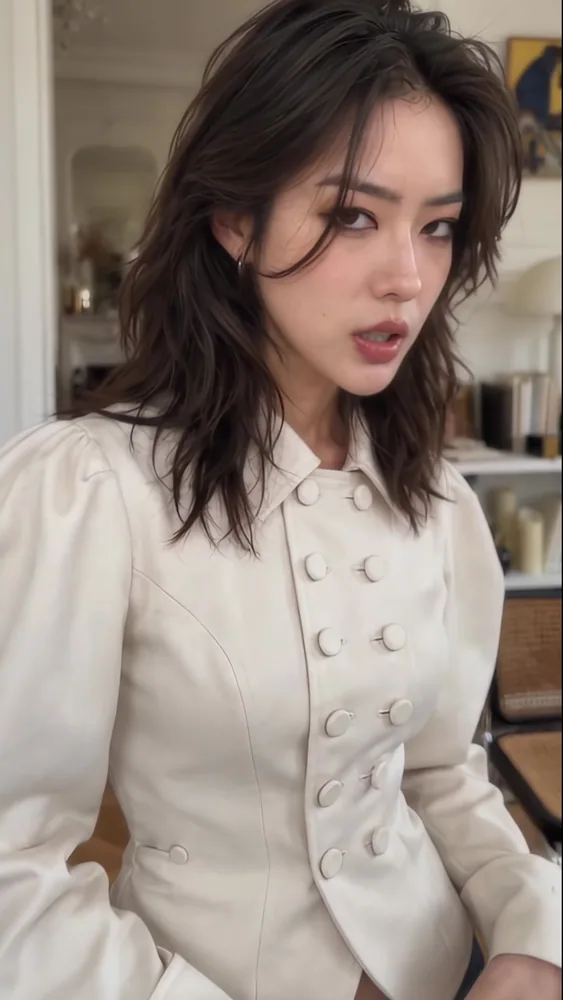
A close-up portrait in a bright interior: a cream double-breasted jacket, facial expressions, hand gestures, and a move closer to the face.
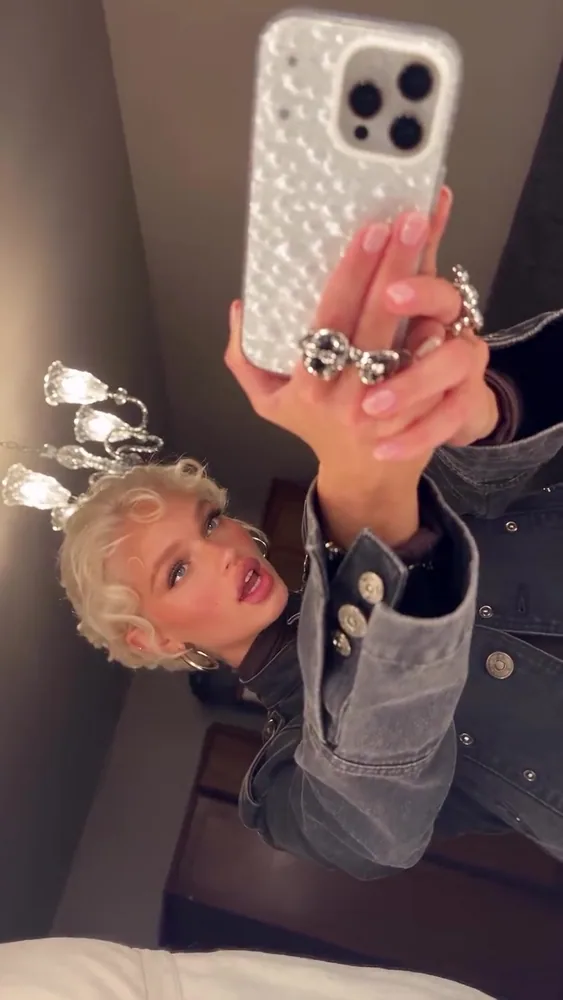
A woman films herself in a lit mirror with a light-coloured smartphone. She tilts the phone and her body; a transition changes loose blonde curls and a dark dress into tied-back hair, a black turtleneck, and a dark jacket with large light cuffs. The room and chandelier stay the same.
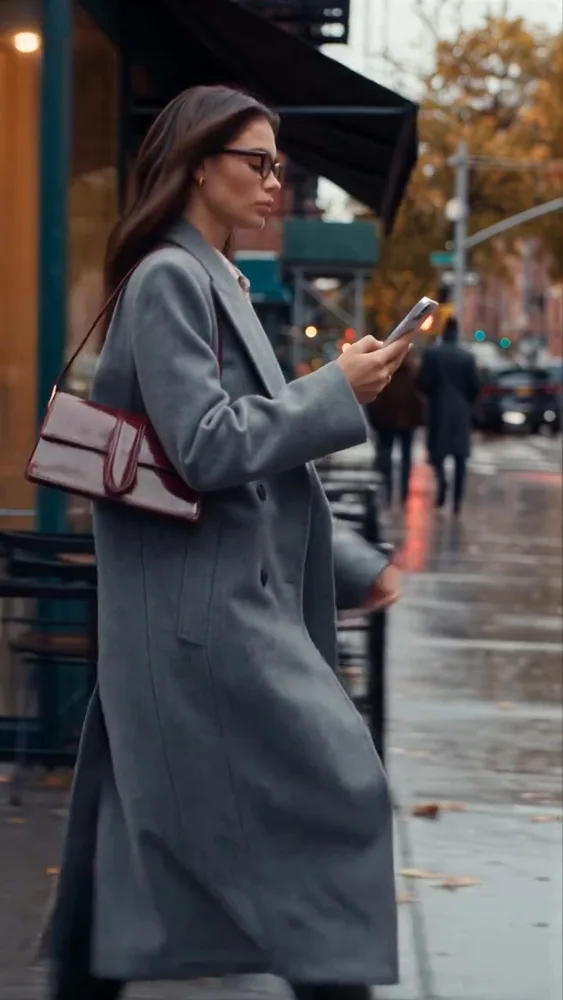
A short street story with an unexpected ending: a stolen phone, a thrown bag, and a calm finale.
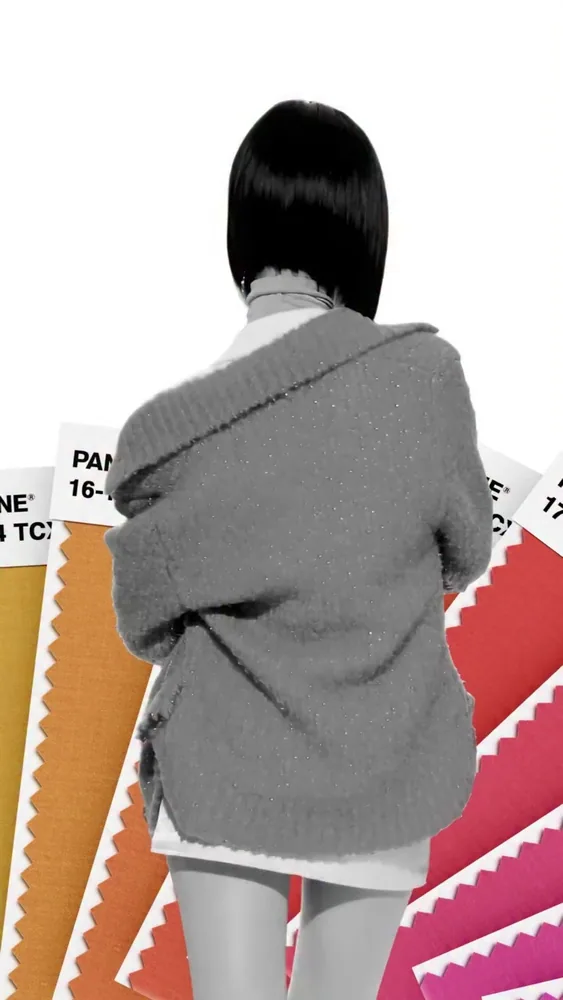
A lookbook in motion: the model’s turn brings together a new outfit and a new colour palette.
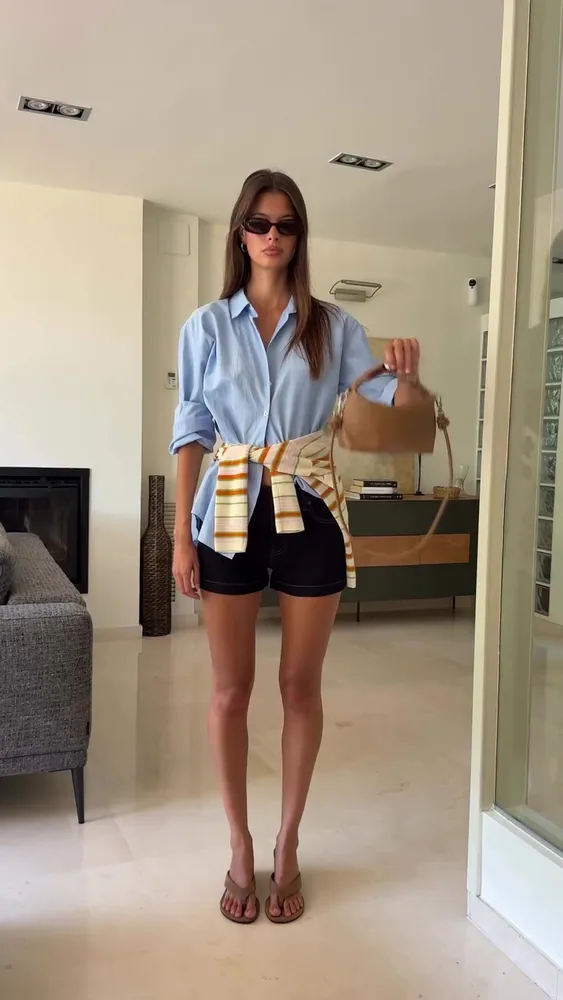
A stack of clothes triggers outfit changes in a room. Four distinct outfits: the original and three recurring styled looks with bags.
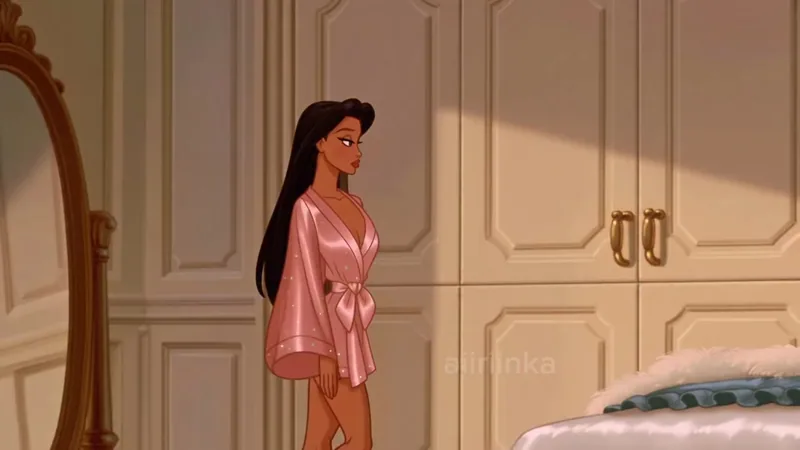
A wardrobe bursts with clothes, outfits change in a whirlwind — and the final choice is the most comfortable one for home.
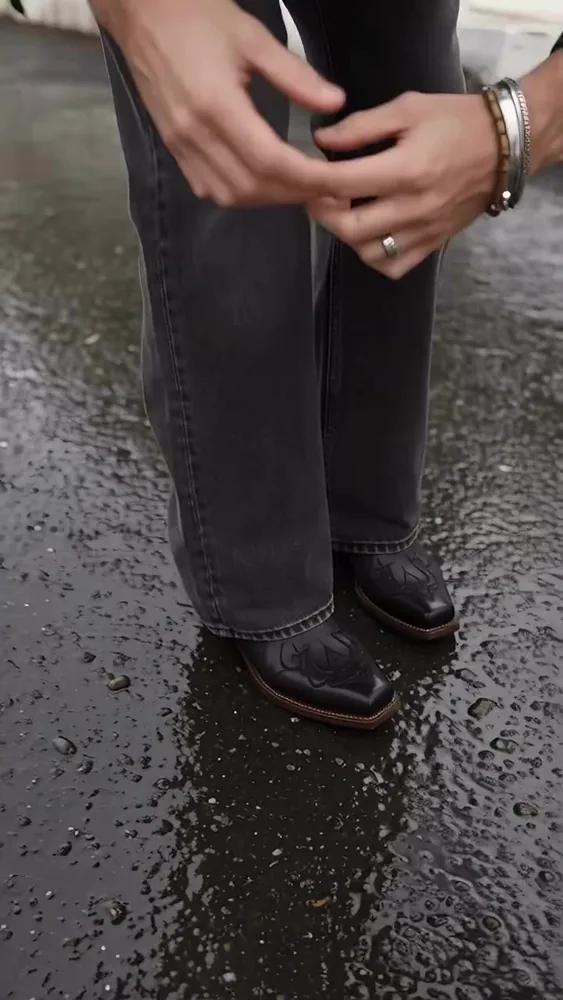
Denim texture, cowboy boots, and a jacket removed in one motion — a short street fashion scene.
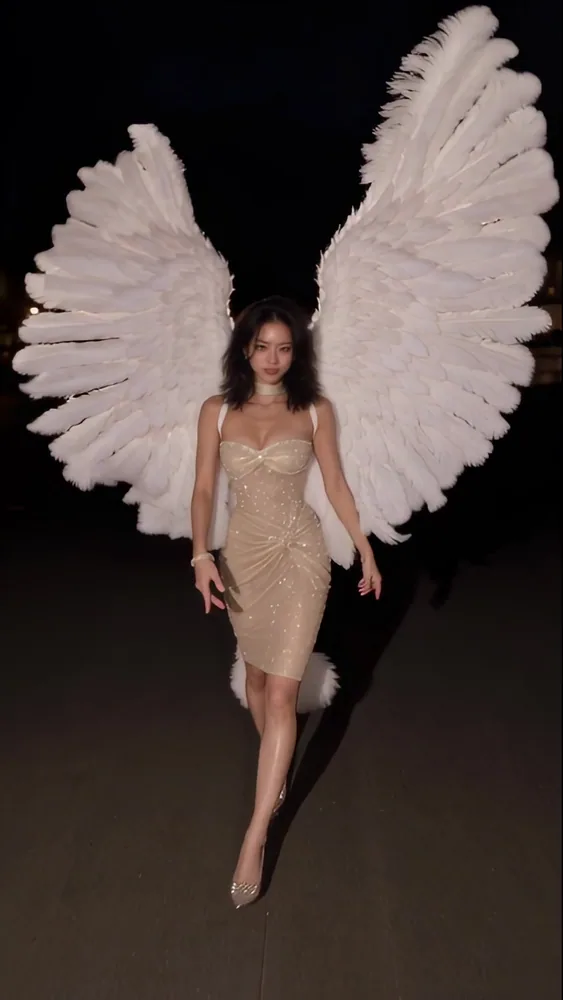
A nighttime fashion portrait in a shimmering champagne-coloured dress with enormous white feather wings. Steps, open arms, and a smile.
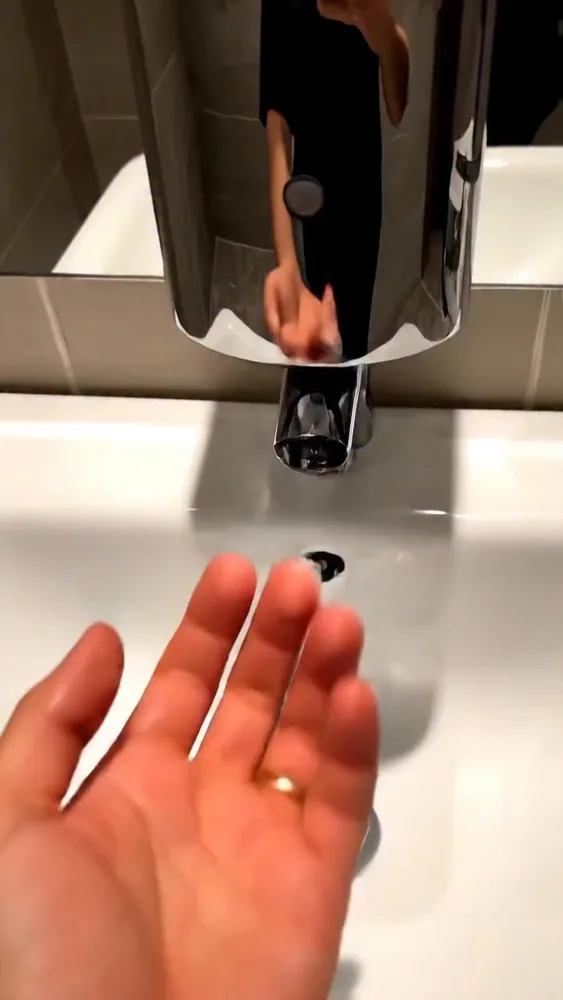
One simple magical transition: a puff of foam becomes a kitten and waves its paw.
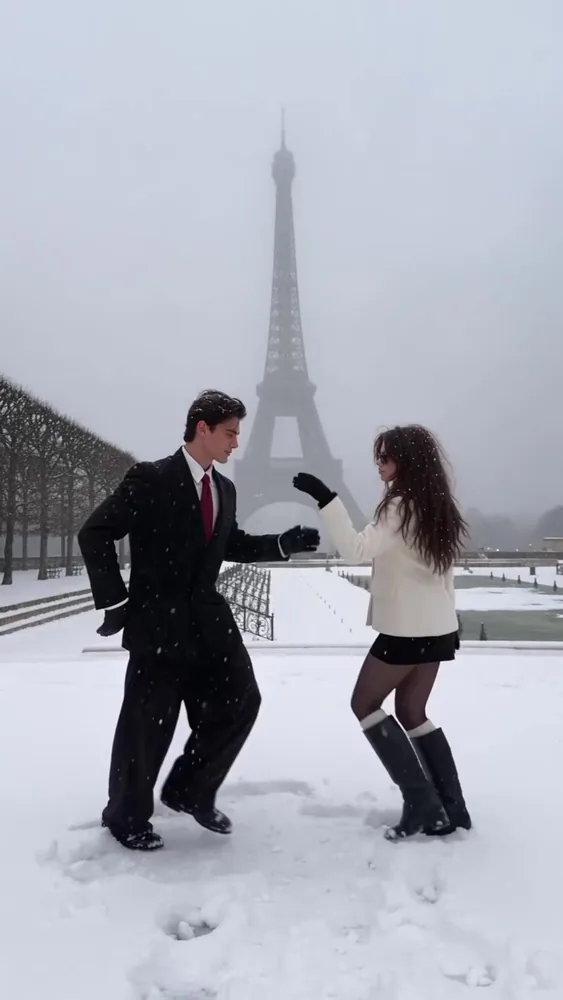
A man on the left in a dark suit and a woman on the right in a light jacket, black skirt, and boots dance in the snow in front of the Eiffel Tower. After playful gestures, they move closer and spin while holding hands; the man lifts the woman at the end.
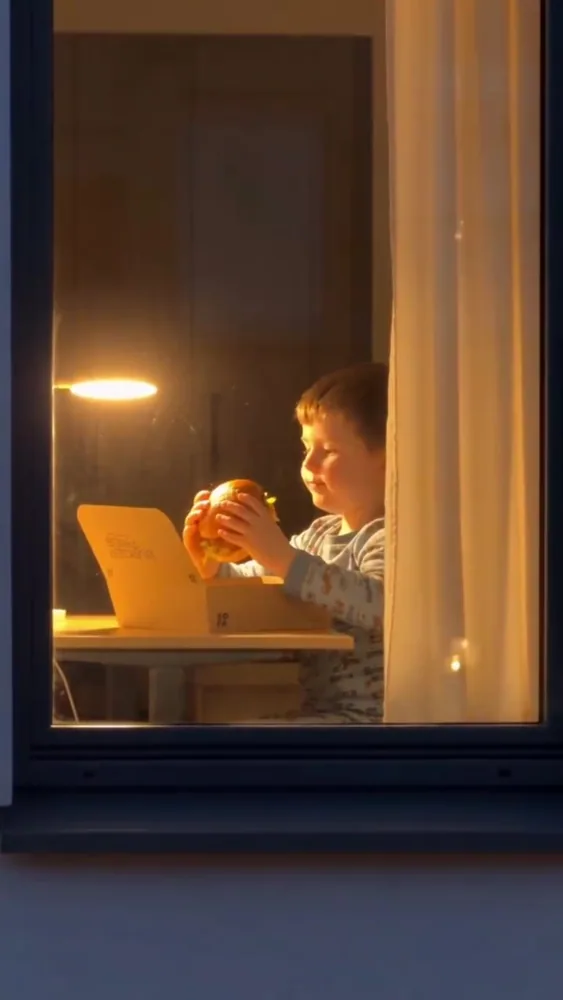
The camera moves closer from the building facade to a lit window. A boy at a table opens a box, lifts a burger, bites it, looks outside, and closes the curtain. Turkish text then appears on the curtain, followed by the SOFA logo.
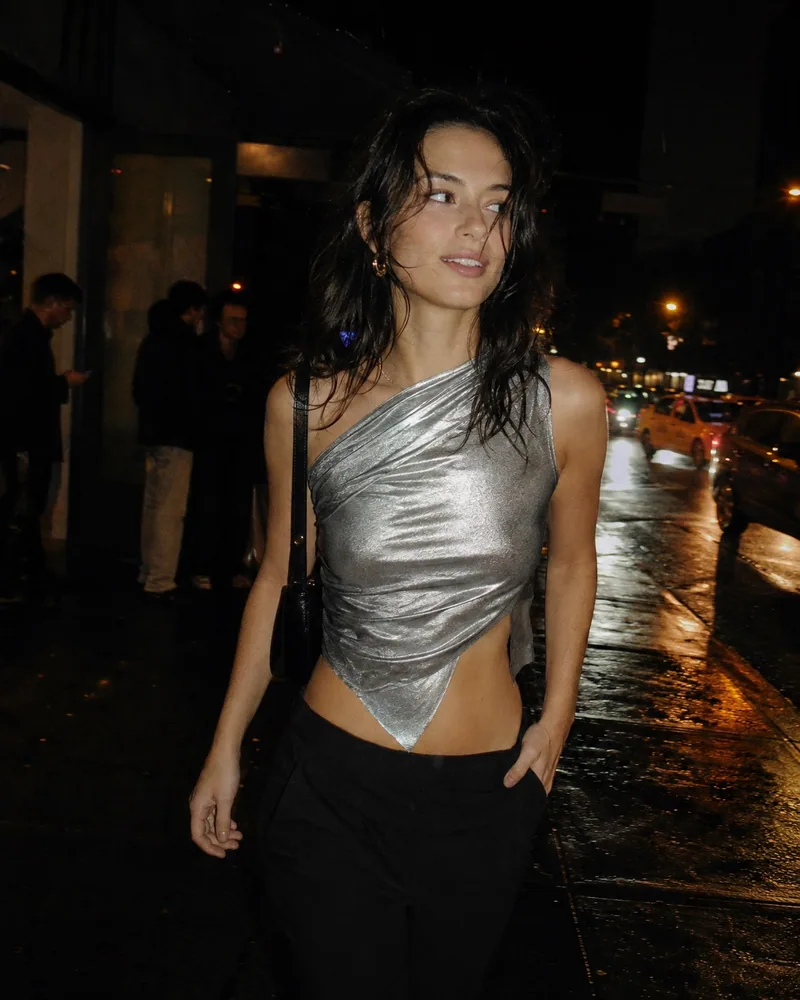
Direct flash, wet asphalt, and a silver top — a nighttime shot after a party.
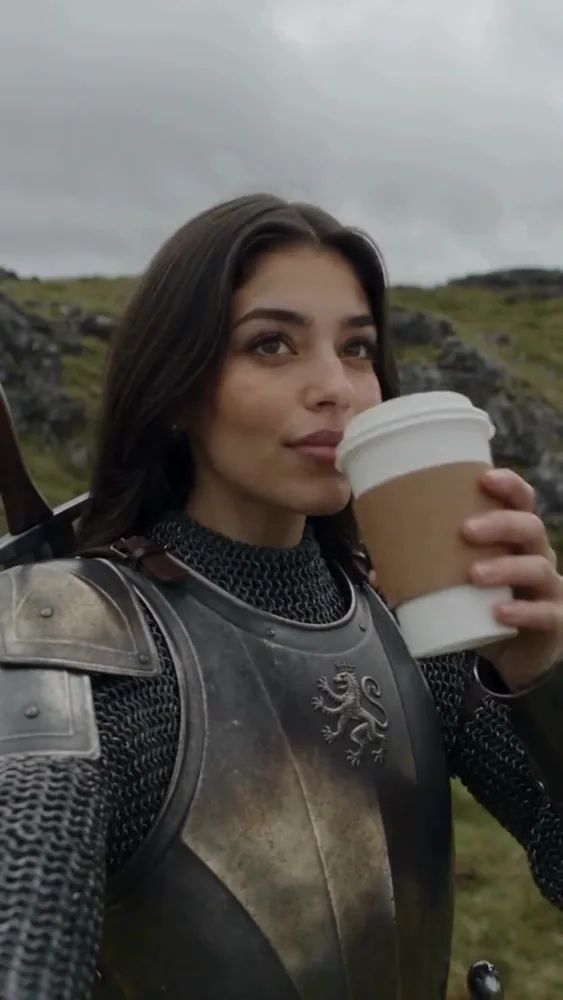
An ordinary coffee in an extraordinary world: a knight’s selfie becomes a wide view with a dragon.
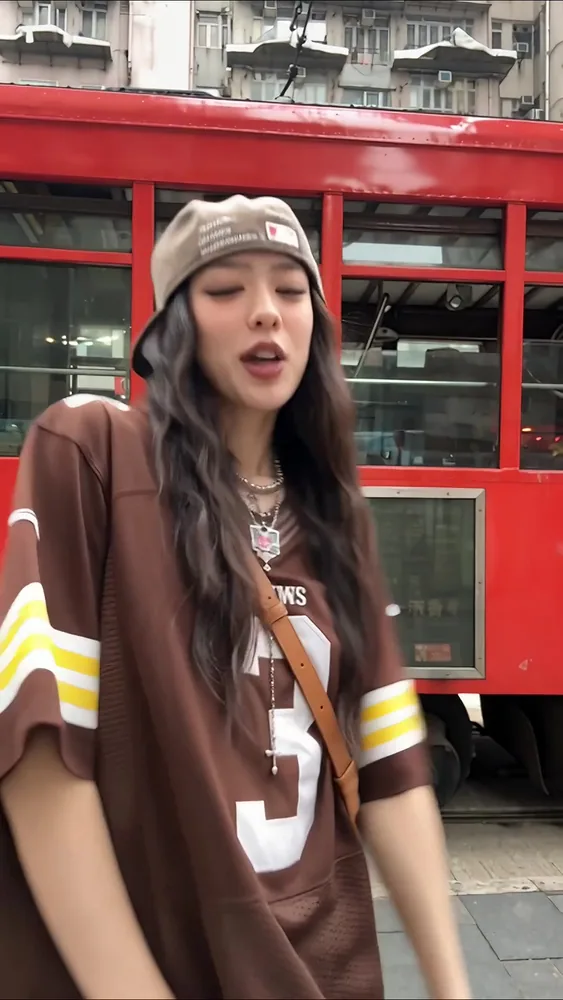
Jewellery close-ups, your jersey, and a red tram on a city street.
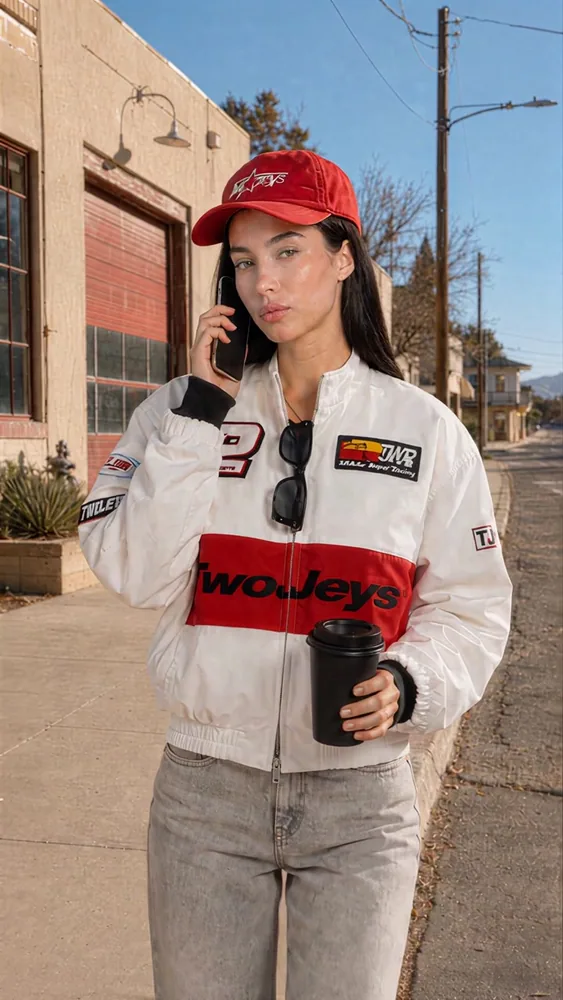
A light collision stops time: the camera explores objects suspended in the air, then gravity returns.
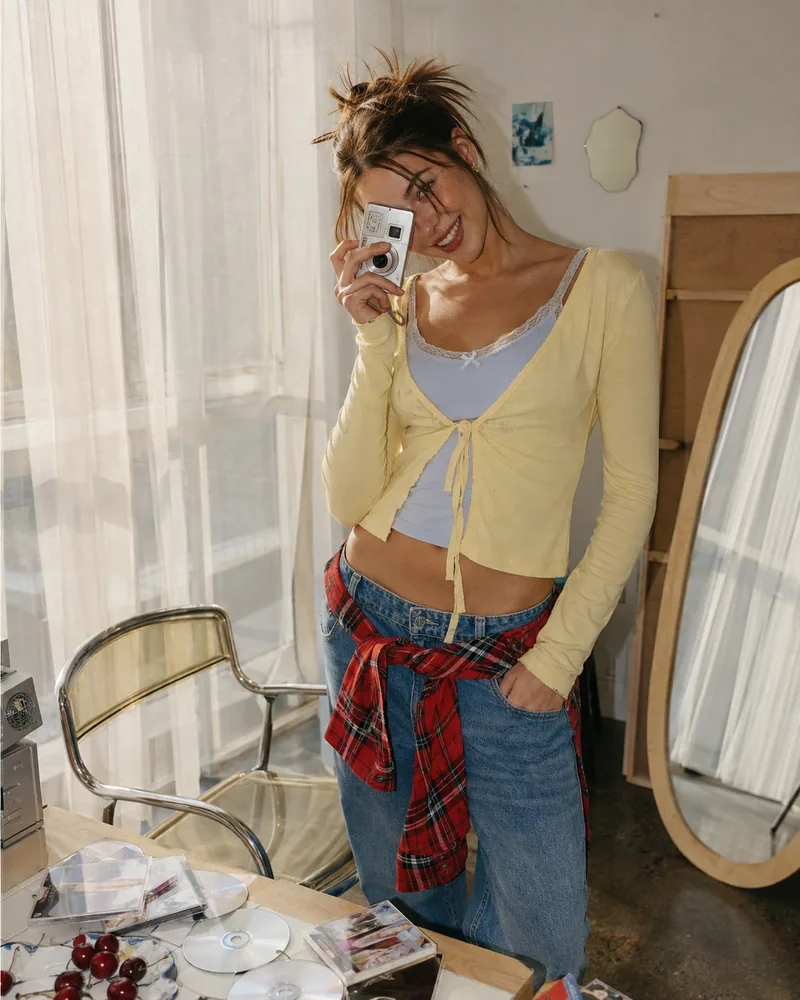
A sunny room, a compact camera, and a layered look with a noughties aesthetic.
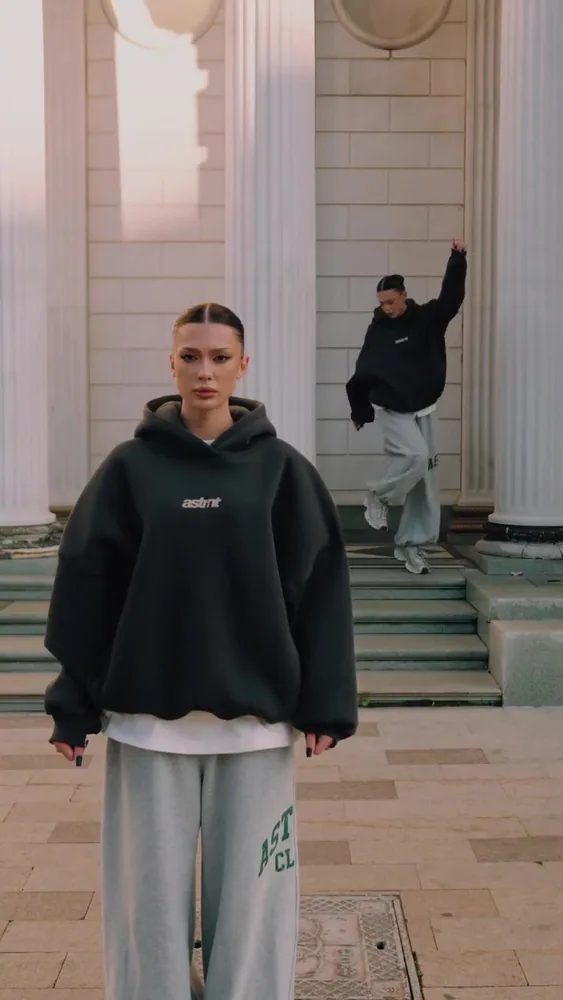
A woman stands still in front while a man dances on steps behind her, beside a light-coloured colonnade. Cuts switch between red, black, cream, and light blue hoodies; the bottoms stay grey. ASTRONAUT appears at the end.
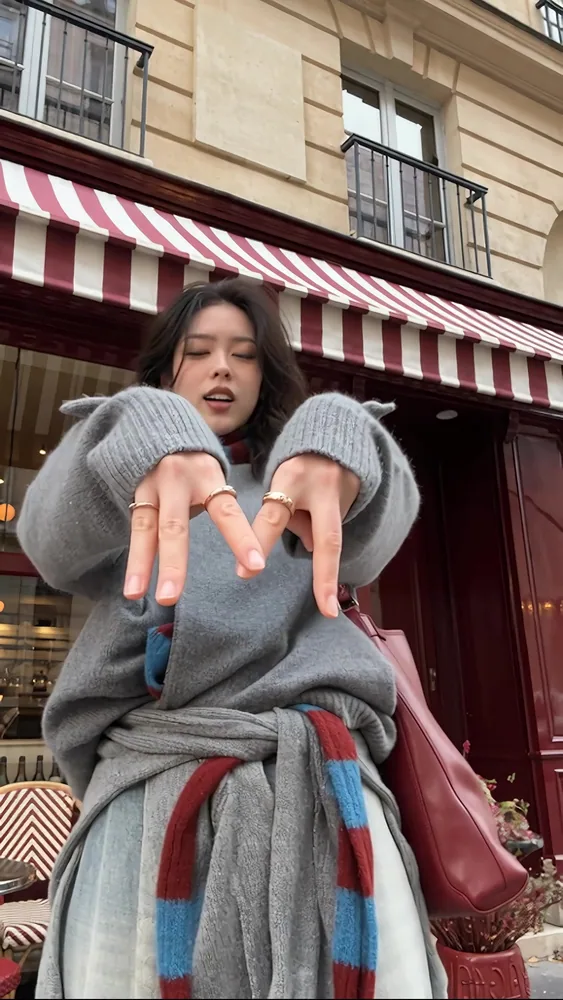
A street fashion portrait outside a bistro with a striped awning: grey knitwear, a colourful scarf, a burgundy bag, and gestures towards the camera.
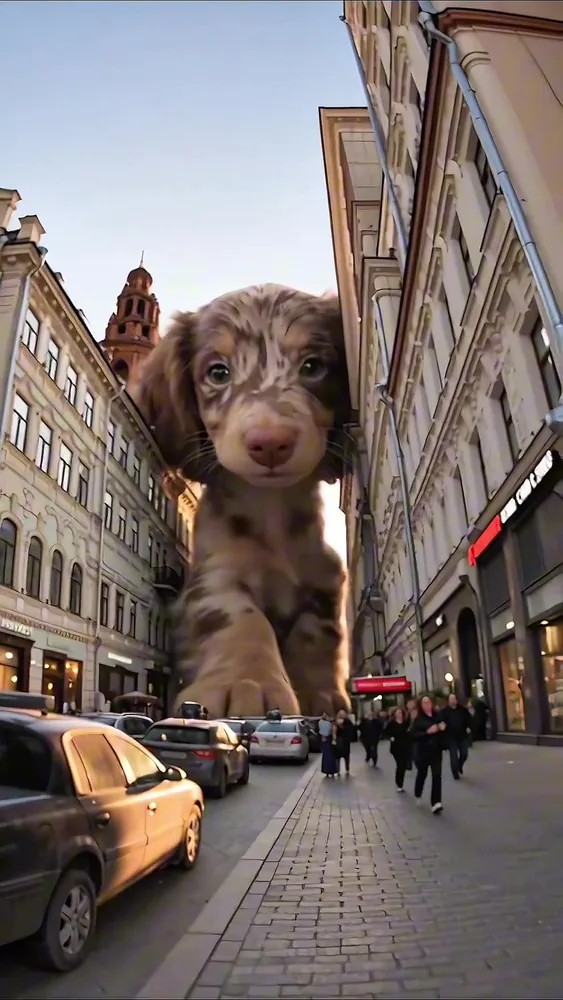
A giant spotted brown puppy between city buildings. First, a street shot with cars and pedestrians, then a view from an aircraft cockpit, followed by a low angle. Small helicopters are in the sky. At 10 seconds, the signature ILYSABABE ending begins: a blue symbol and YOUR IDEAS. YOUR REALITY.
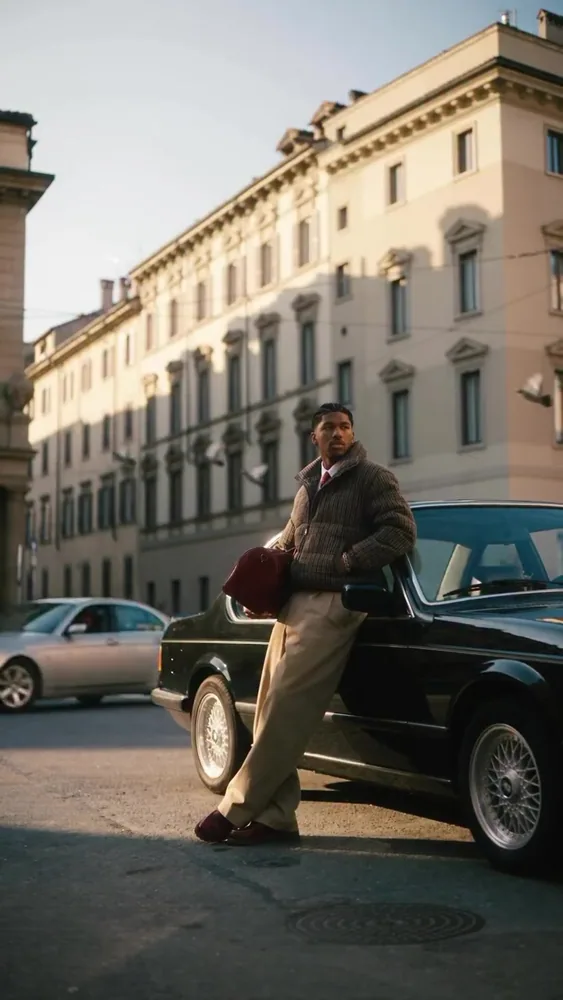
A menswear look beside a vintage car: a burgundy travel bag, shoes, and jewellery. A wide shot, hand details, and a final portrait.
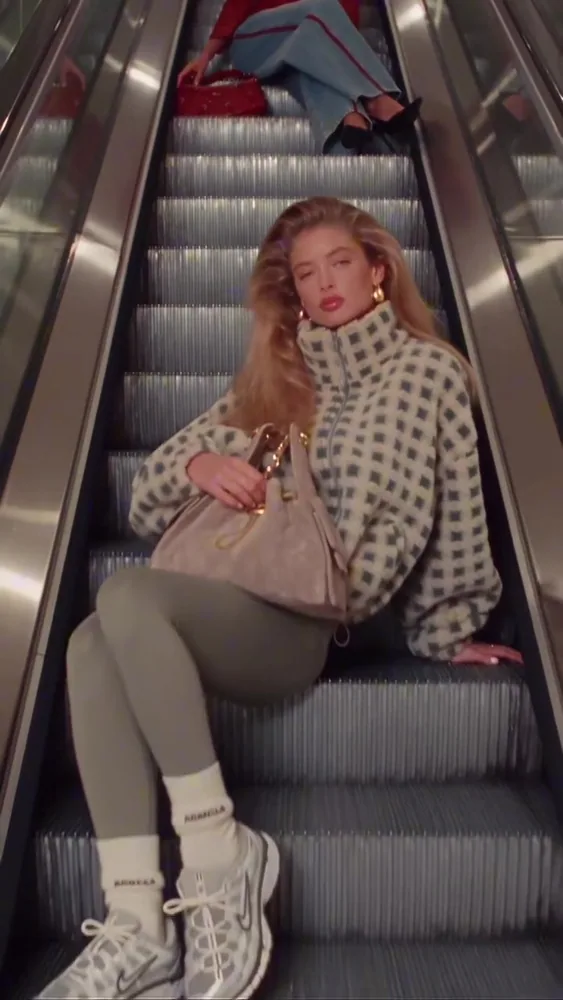
Three women sit on different escalator steps; the camera reveals their red, light patterned, and black-and-white checked outfits in sequence.
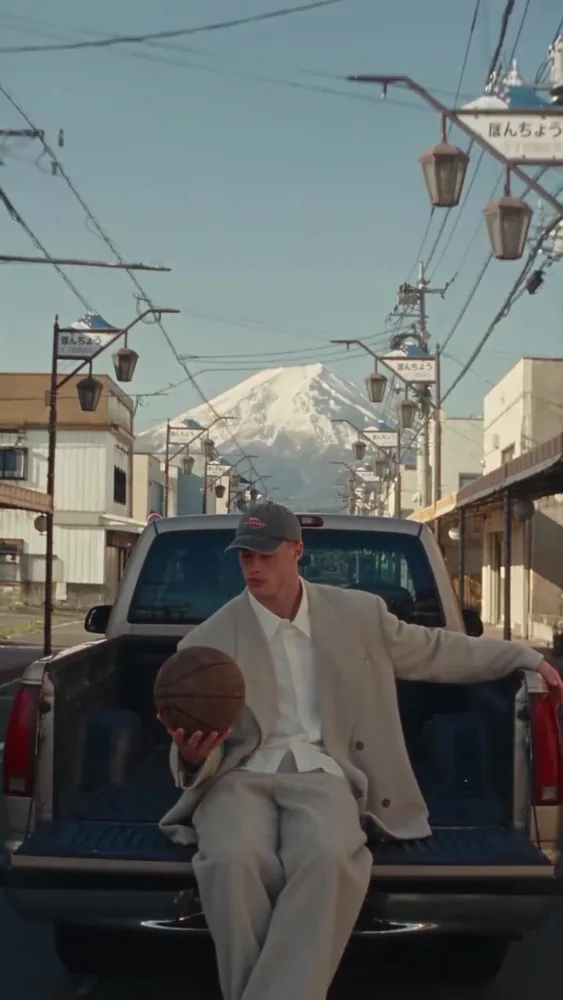
A man in a light suit and cap on a street, with a pickup truck and a snowy mountain in the distance. He adjusts his cap and turns around, then sits in the truck bed. A basketball appears; he tosses it, followed by a close-up of the ball in the air, then a return to the wide shot as the man turns right.
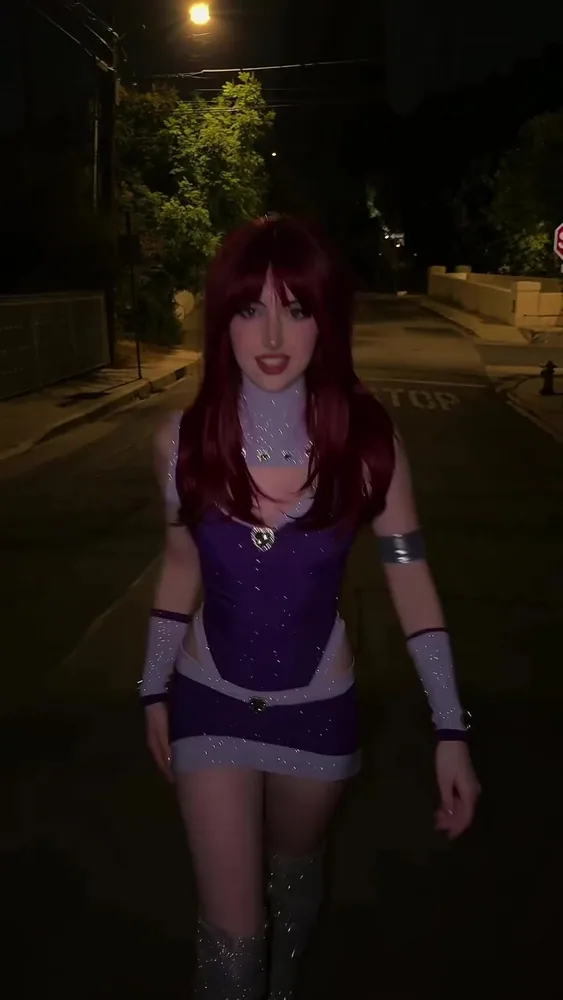
One red-haired woman in a purple stage outfit with silver panels and tall boots on a nighttime street. Her legs and torso are shown first; the frame then rises to her face as she lifts her hands to her head, smiles, and moves towards the camera.
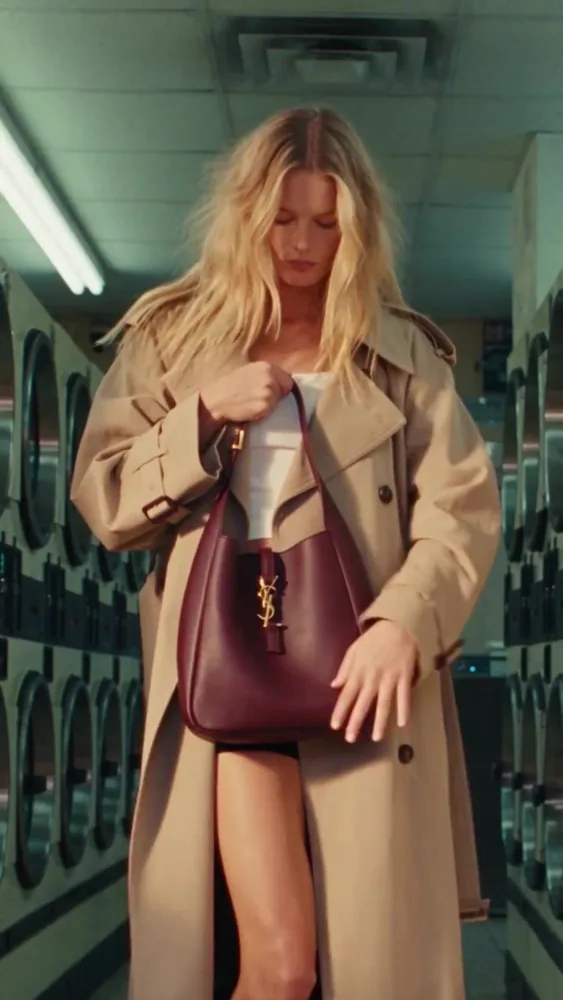
The story of a burgundy bag in a laundrette: a character wearing a coat, the bag spinning in a drum, being lifted out by its handle, and a final product shot.
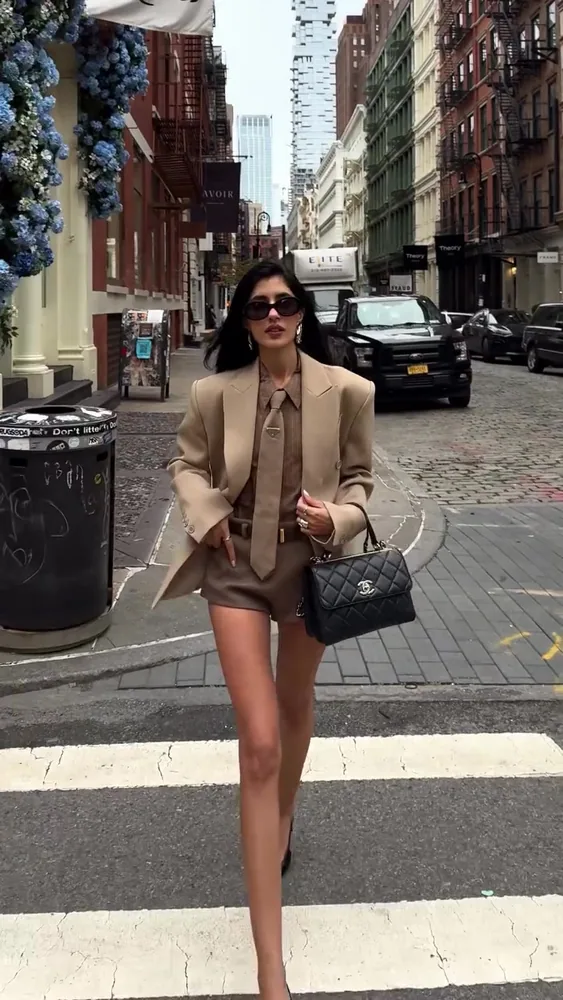
Street style at a crossing: a beige blazer, a shirt and tie, shorts, heels, and a black quilted bag. The camera reveals the outfit and steps.
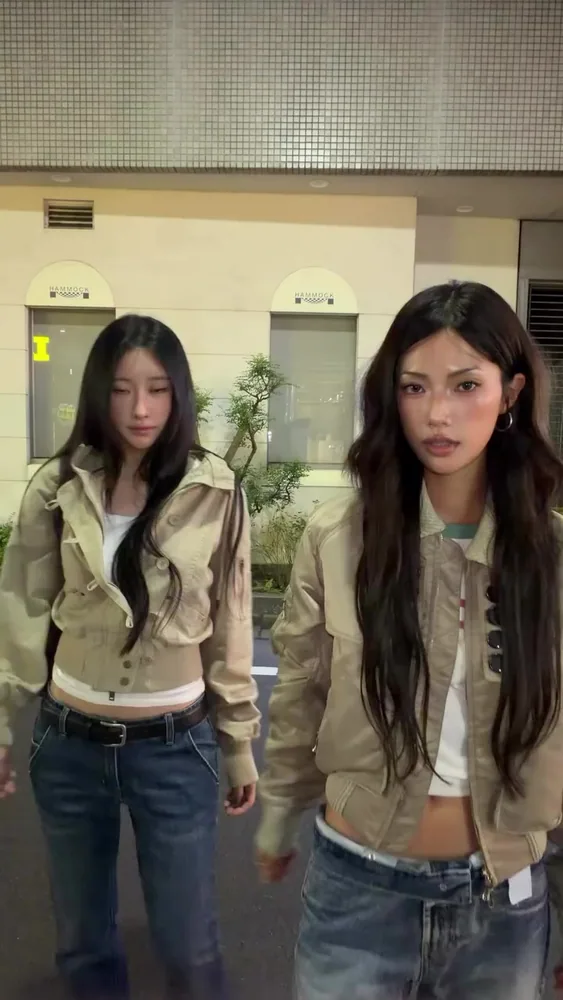
A large hand with rings covers the camera in front of a woman in a beige bomber jacket and jeans on a nighttime street. At about 4 seconds, the hand moves away and a second woman in a similar outfit appears behind the main character; both continue moving their hands.
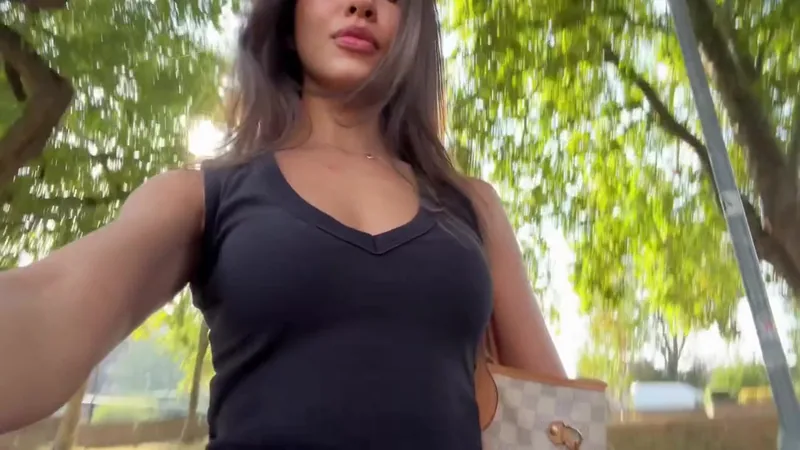
A landscape handheld selfie of a woman on a street. A black top, blue jeans, a belt, a light shoulder bag, and a dark item in her hand. The camera moves from her face to her torso, around the side, and back to her face by a red wall.
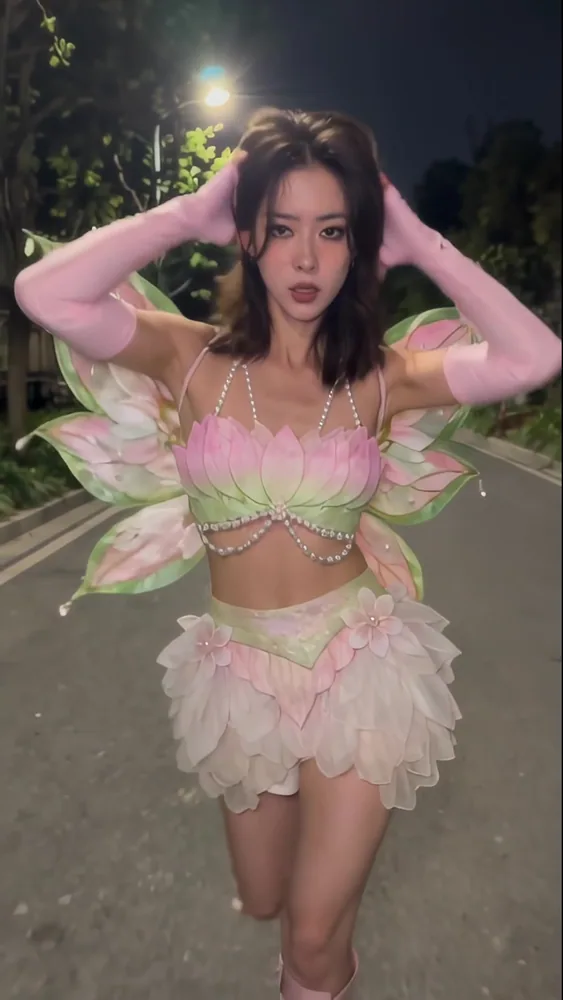
A nighttime fashion look with pink petals, translucent wings, gloves, and boots. A reveal from shoes to face, steps, and gestures.
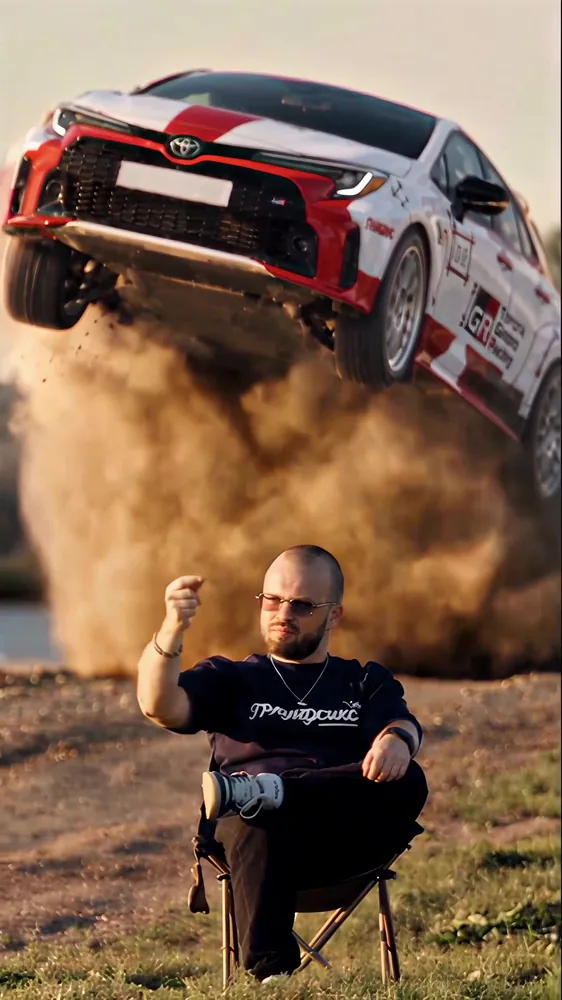
A character sits calmly in front of the camera while a car behind them takes off, lands, and keeps moving. Replace the character, car, and location with your own.
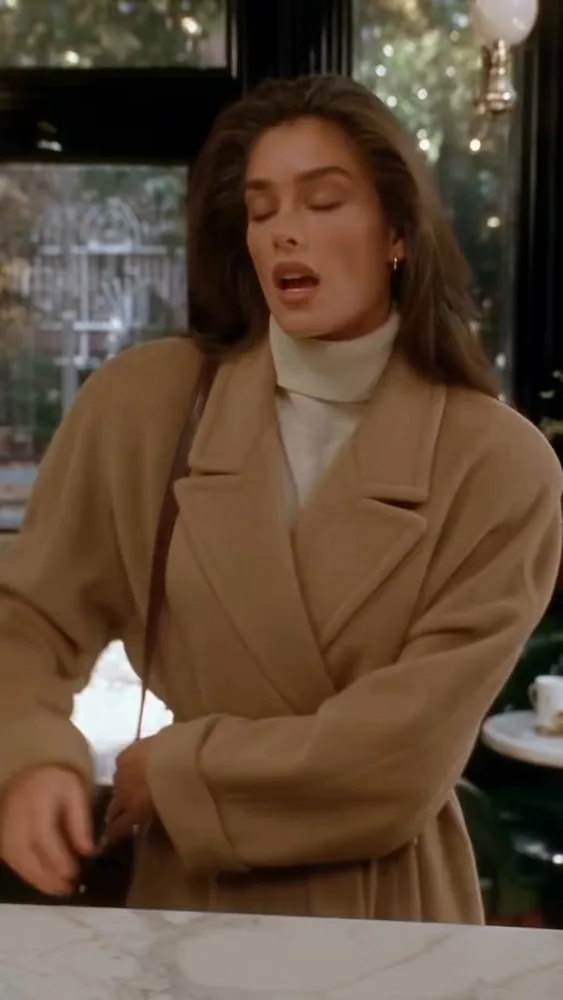
A chance meeting outside a coffee shop: spilled coffee, exchanged glances, and a goodbye beside a yellow taxi.
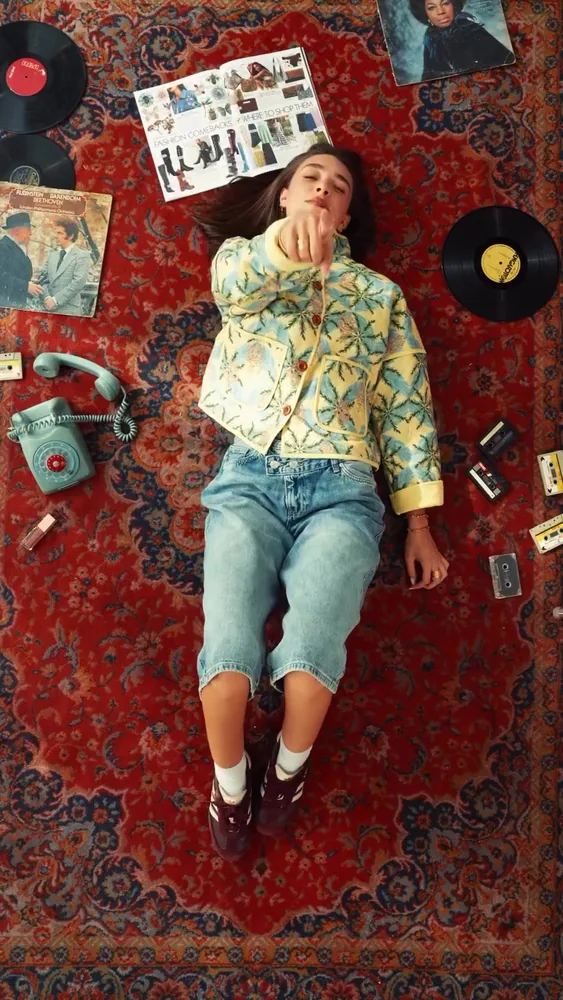
Five complete looks filmed from above on a red carpet: vinyl records, cassettes, a turquoise phone, a close-up portrait, and pose changes.
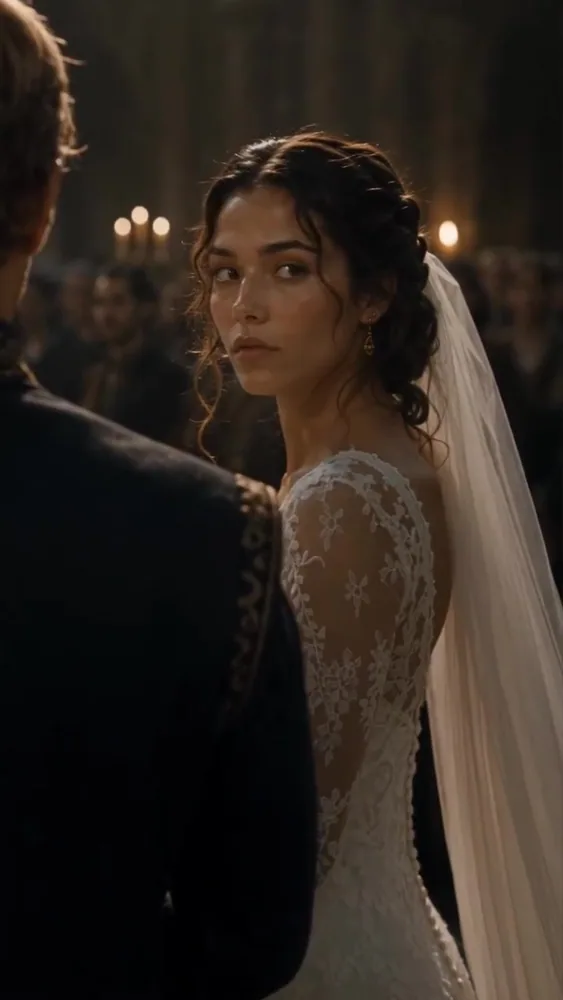
In a dark candlelit hall, a bride looks over her shoulder past the groom; a helmeted knight stands among the guests. Then a memory: in a sunny field, the same knight removes his helmet in front of a woman in a simple dress. Back to the bride in the hall, a close-up of the knight’s helmet, then he walks away from the camera down the aisle between the guests. The final frame darkens.
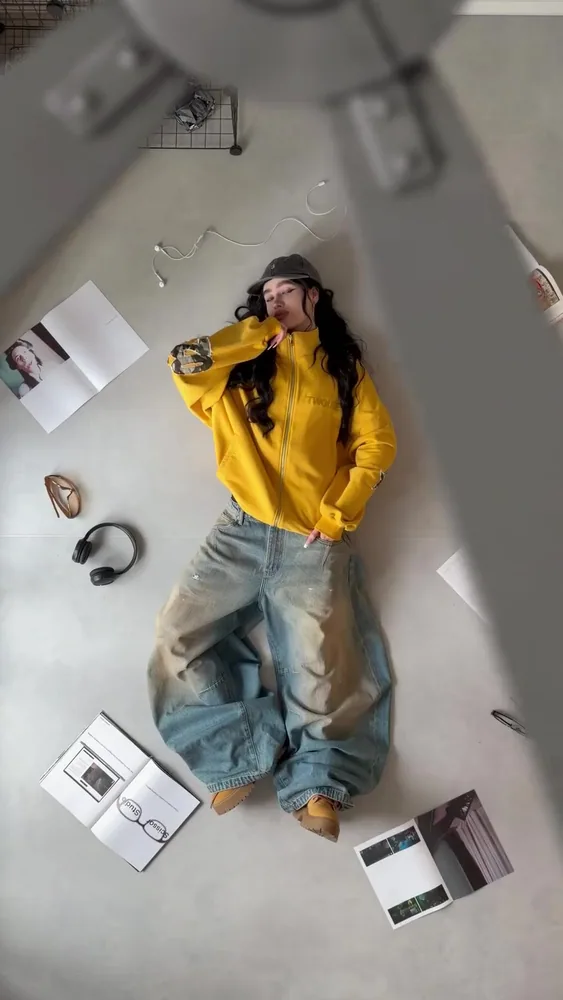
Seven streetwear looks on a light-coloured floor. A rotating ceiling-fan blade passes across the frame during outfit changes.
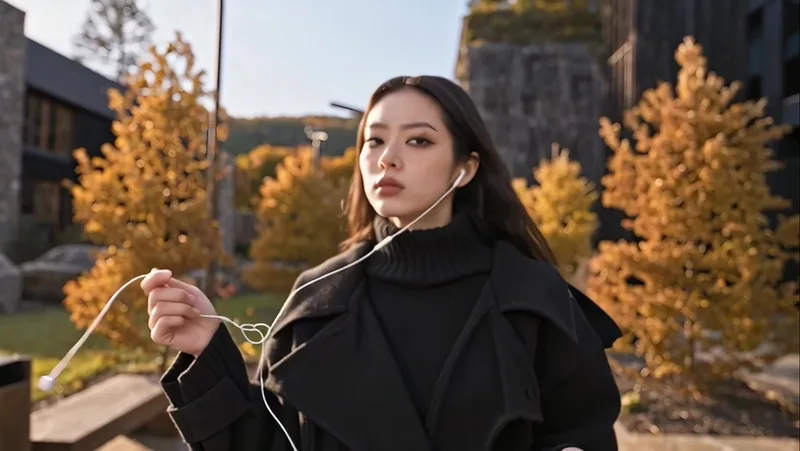
An autumn walk in warm light: from outfit details to a wide view of the city space.
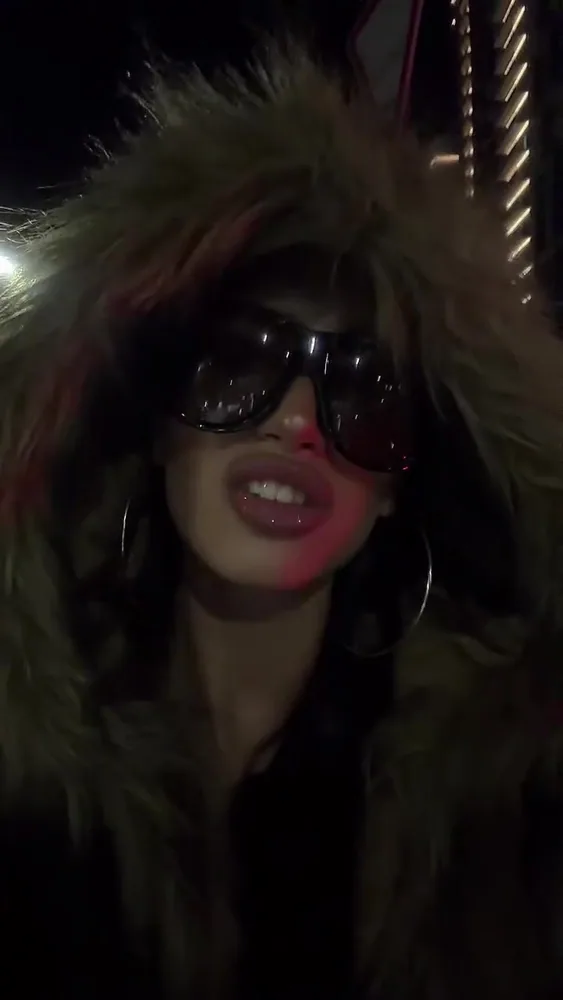
A nighttime beauty portrait with glossy lip makeup, oversized glasses, and a fur-trimmed hood. Facial expressions, a gesture near the lips, and a close-up smile.
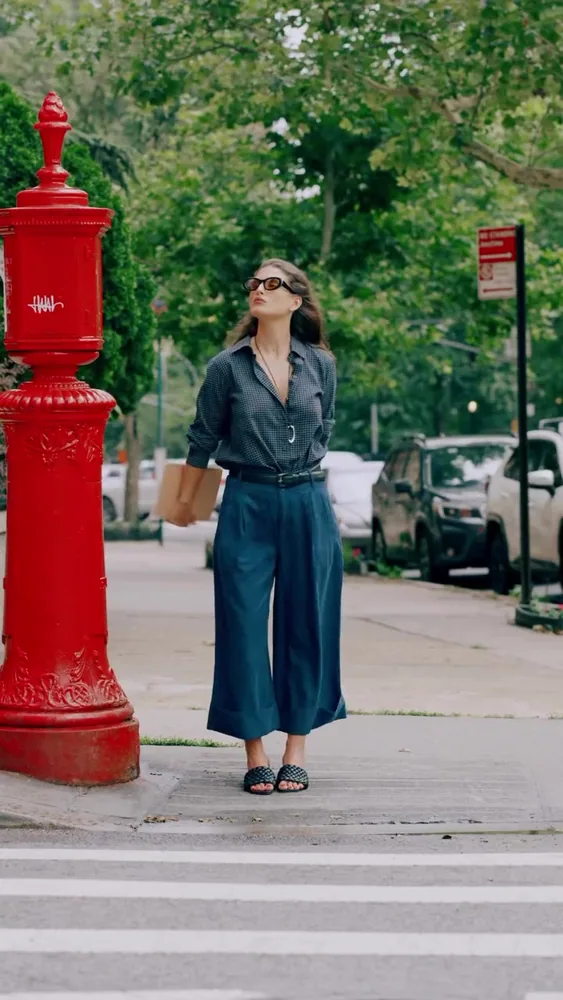
Four city looks in different street locations. A yellow taxi conceals the transitions between outfits.
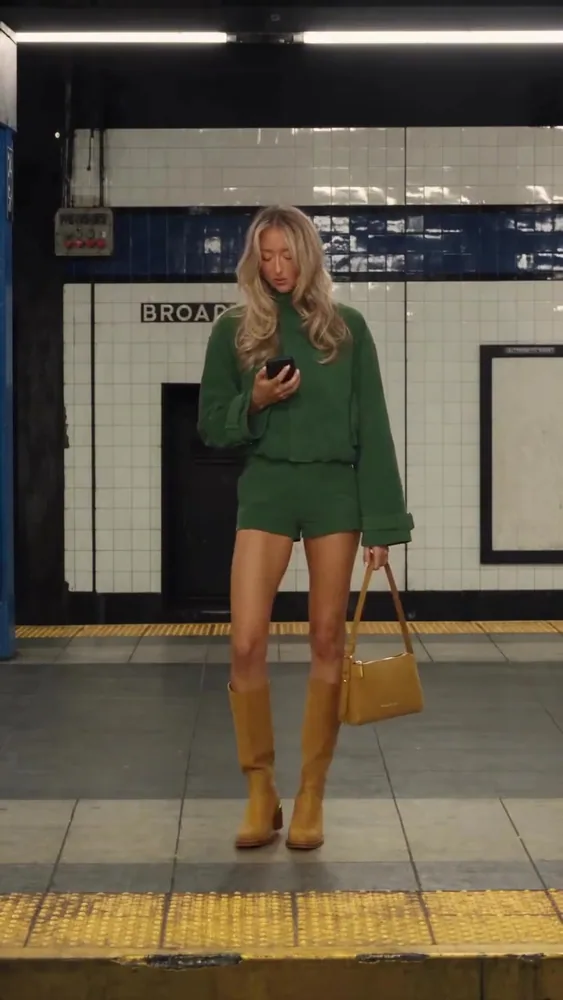
Five autumn looks on a metro platform. Passing trains hide the outfit changes; the original typography appears at the start.
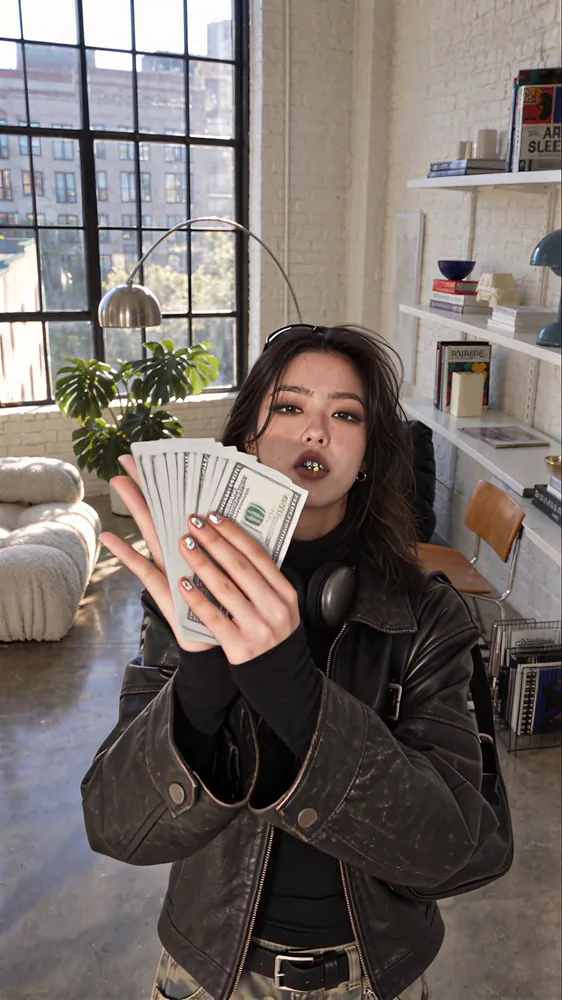
A sunny loft, an informal performance to camera, and a fan of banknotes at the end.
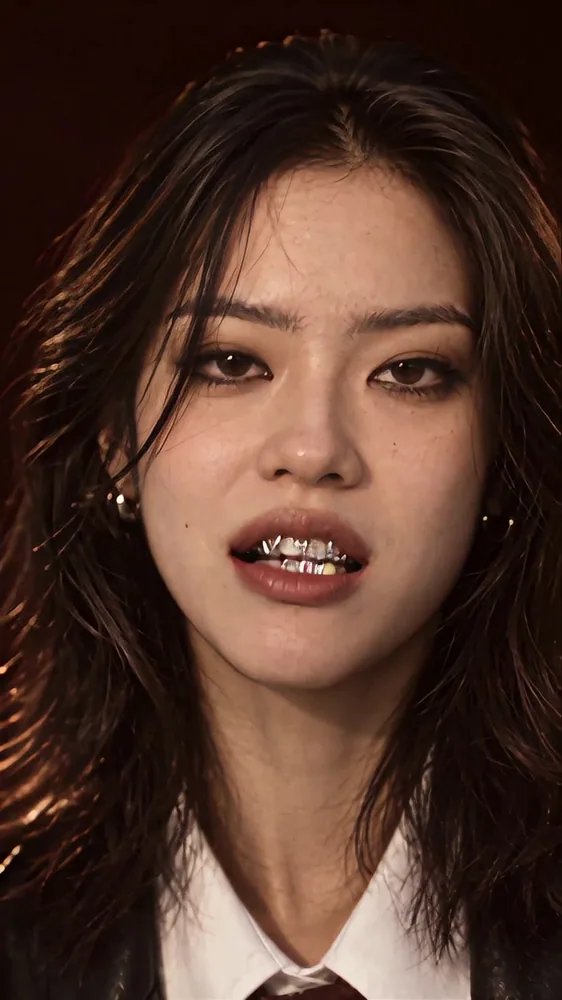
Close-ups, warm light, and gleaming grillz — a bold portrait fashion clip.
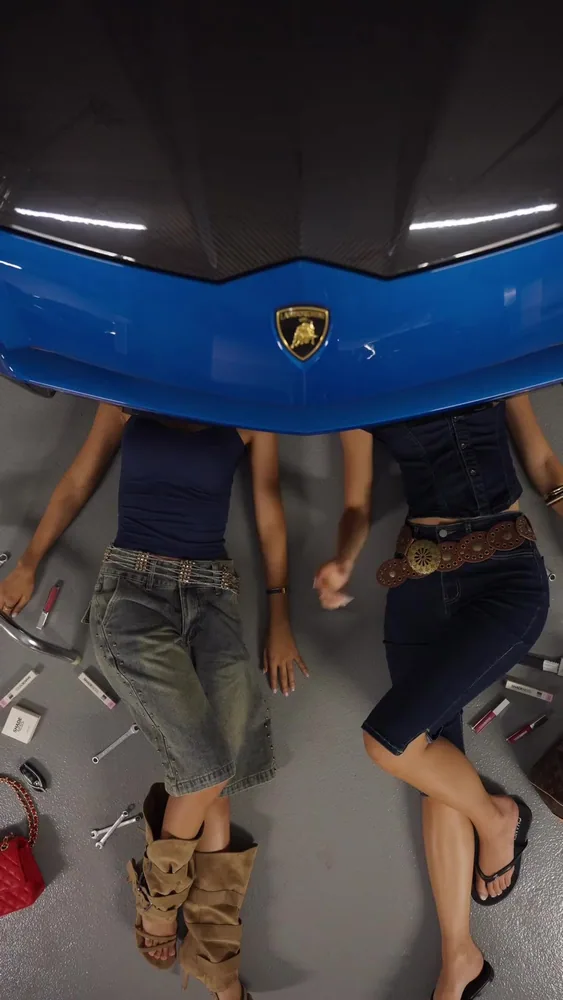
An overhead camera: two people lie side by side on the asphalt in front of a blue car, its front end hiding their heads. Their torsos, denim outfits, shoes, hands, and small arranged objects are visible. The person on the right handles a small dark object; SHADE NESS appears at the end.
Try another word or view all scenarios.
YOUR VERSION IN THREE STEPS
Open an example. Explore the idea, format and materials for creating your version.
Choose what to replace and add your photos to the relevant elements.
Check the settings and price, then confirm the run. The completed result will appear in “My work”.
BEFORE YOUR FIRST RUN
It starts with an example.
Make the rest your own.
Start with your chosen scenario. Your account will show the character, item or location photos needed. Material quantities and roles depend on the work.
Yes. Open a work and choose an available replacement: character, outfit, location or object. Add your photo to that element. Available replacements depend on the selected work.
Before you run it. Choose settings and get a Babe quote. You confirm the run separately. The result depends on the selected work, model and settings.
Babe is the balance you use to create photos and videos. The cost depends on the scenario, materials and settings. Your account shows the estimate before you confirm. See the pricing page for plan and top-up terms.
Yes. The brands page has examples and a brief you can submit. The team discusses the idea, format and terms separately. Your Babe balance is used for self-service generation in your account.
The result appears in “My work” in your account, where you can open and download it.
The example shows the scene, motion and mood. The result depends on the sources and generation; details may differ. The author and example status are shown on the work page.