Photo18 Babe
3:4
Winter Triptych
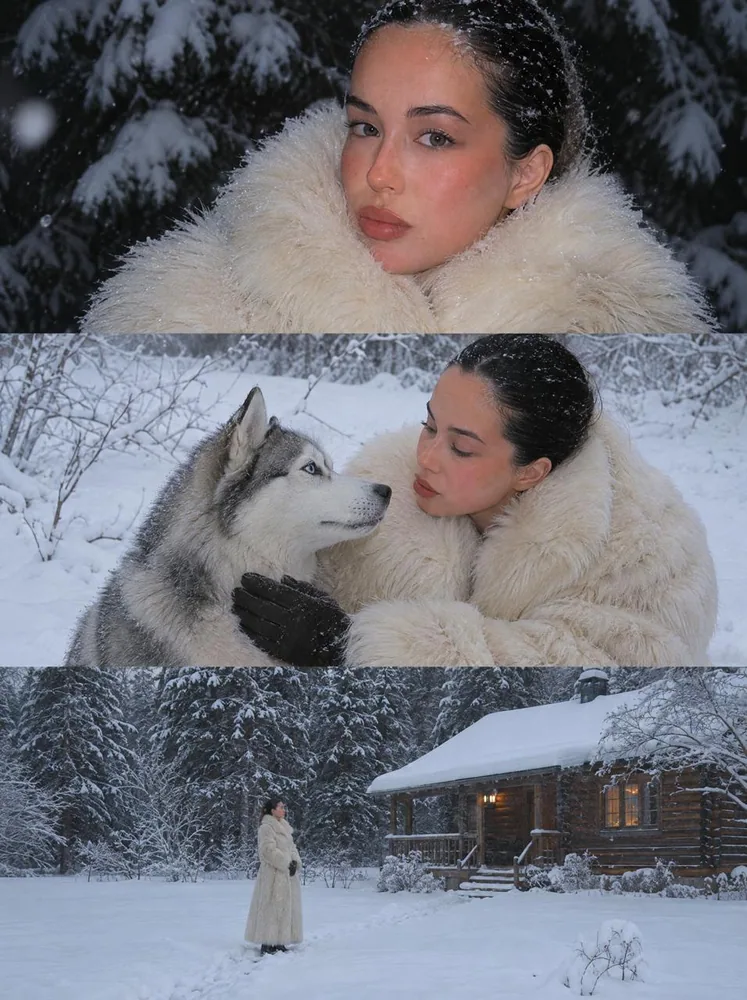
Turn one photo into three scenes from a winter walk: a portrait among fir trees, a moment with a husky and a cabin in a snowy clearing.
FashionView scenario ↗
AI PHOTOS · YOUR IMAGES
Choose a look from our gallery and create your version with your own photos.
FROM AN EXAMPLE TO YOUR OWN WORK
Open a work — the scenario is already prepared.
Choose the available replacements and add your materials.
Your finished result will appear in your account.
FROM MOOD TO IDEA
Works: 3
Turn one photo into three scenes from a winter walk: a portrait among fir trees, a moment with a husky and a cabin in a snowy clearing.
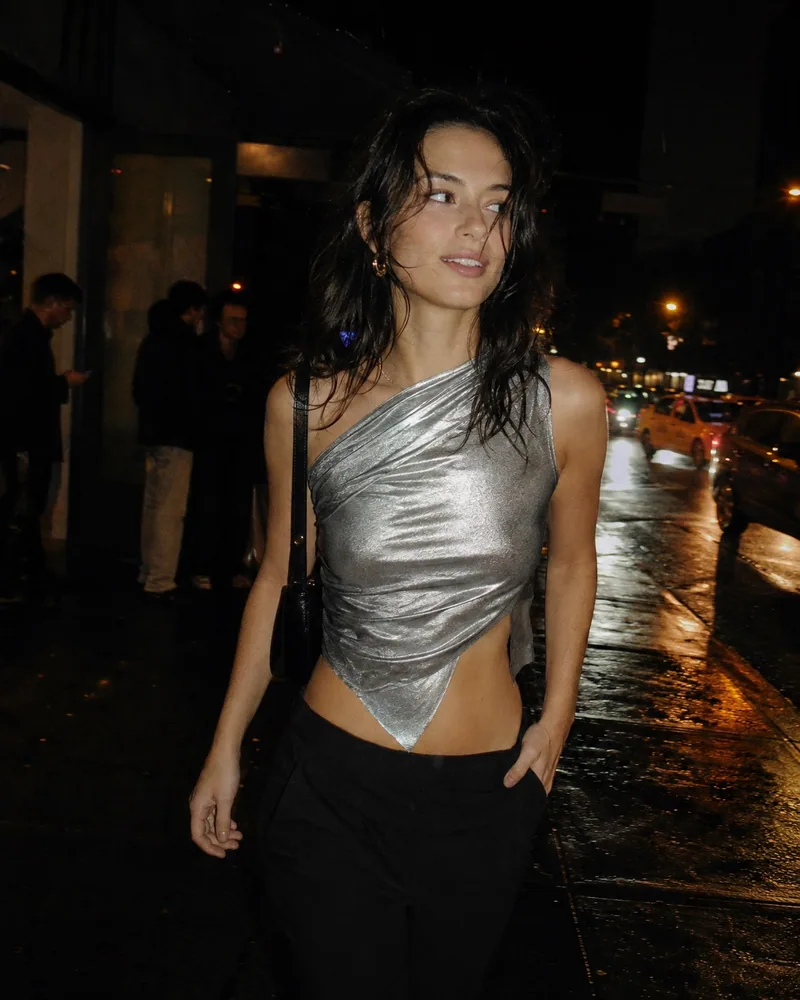
Direct flash, wet asphalt, and a silver top — a nighttime shot after a party.
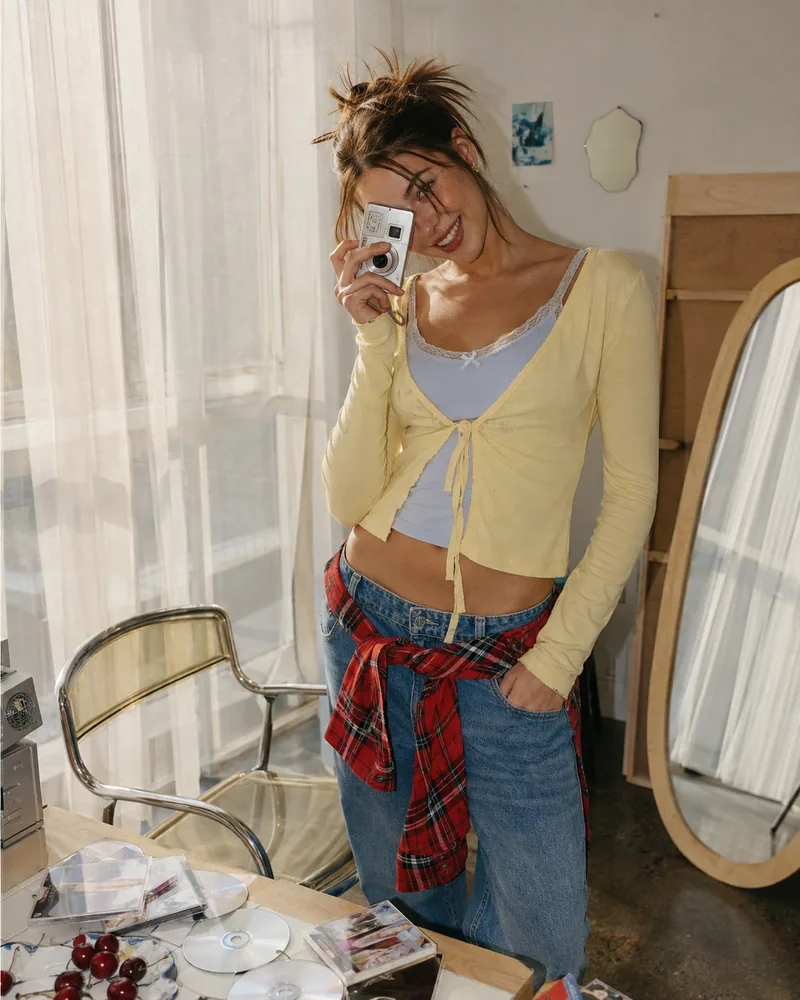
A sunny room, a compact camera, and a layered look with a noughties aesthetic.
Try another word or view all scenarios.
BEFORE YOUR FIRST RUN
It starts with an example.
Make the rest your own.
Use clear sources: the face or object should be easy to see. The chosen work page and your account specify the materials needed for it. For a pet scenario, add photos of your pet.
Yes. Open a work and choose an available replacement: character, outfit, location or object. Add your photo to that element. Available replacements depend on the selected work.
Before you run it. Choose settings and get a Babe quote. You confirm the run separately. The result depends on the selected work, model and settings.
The result appears in “My work” in your account, where you can open and download it.
The example shows the scene, motion and mood. The result depends on the sources and generation; details may differ. The author and example status are shown on the work page.